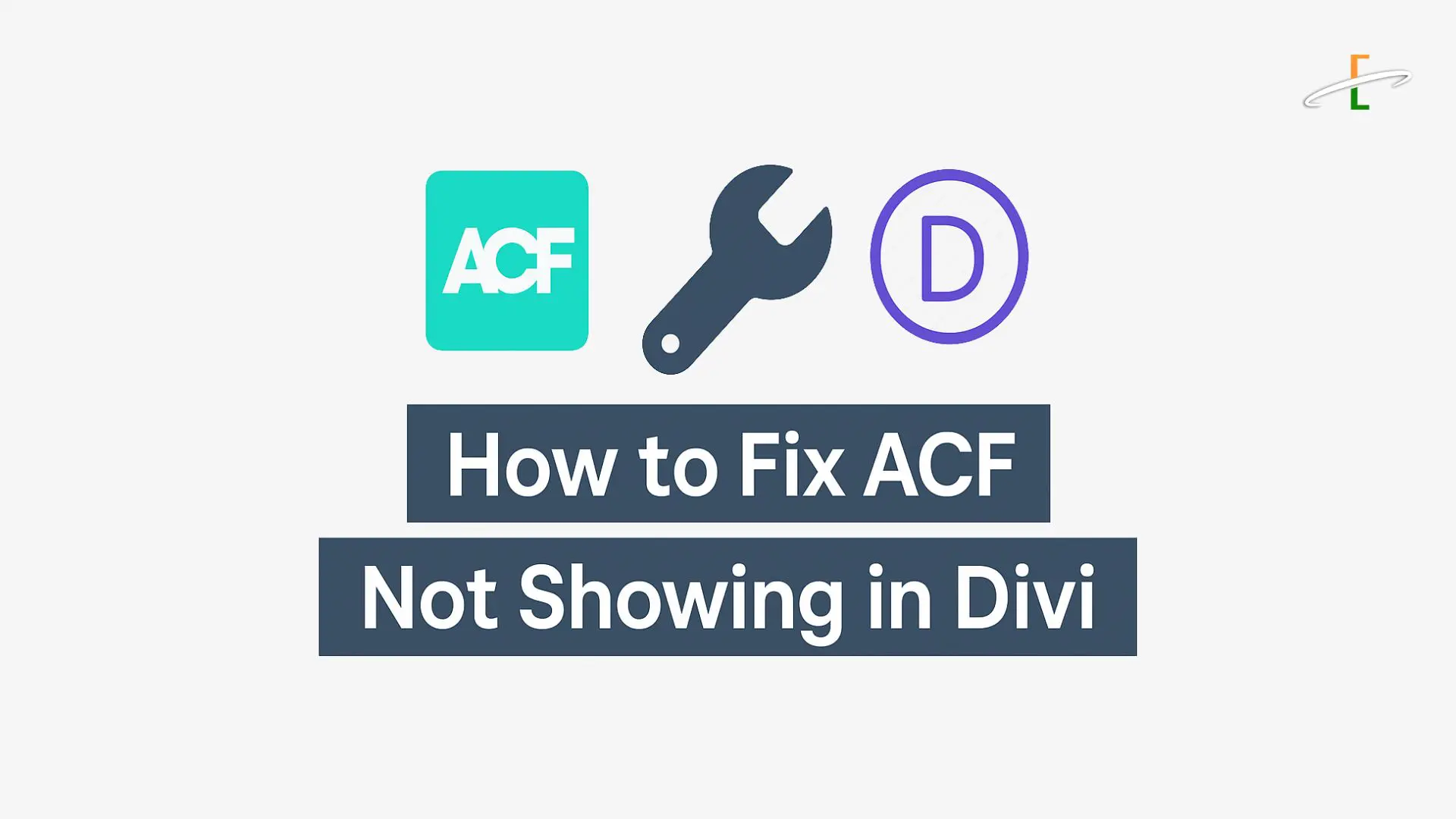
If you're using Advanced Custom Fields (ACF) with the Divi Theme and find that your custom fields aren’t displaying as expected, you're not alone. This issue is common among WordPress users trying to integrate dynamic content into their Divi layouts.
In this guide, we’ll cover why ACF fields might not show up in Divi and walk you through the step-by-step solutions to fix the problem — whether you’re using the Divi Builder, Theme Builder, or a custom template.
Why ACF Fields May Not Be Showing in Divi
Several factors could be causing this issue:
- You're not using dynamic content correctly in Divi modules.
- The post/page doesn’t have any data in the ACF field.
- The ACF field group isn’t assigned to the correct post type.
- There's a conflict with a plugin or outdated theme files.
- You're using a non-supported field type (like repeater or flexible content) without custom code.
Step-by-Step Fixes for ACF Not Showing in Divi
If your ACF fields aren't showing up inside Divi, it's usually due to simple misconfigurations. Follow these steps to fix the issue:
1. Ensure Field Group Is Assigned to the Correct Post Type
Go to Custom Fields > Field Groups, and check the "Location Rules".
Make sure your field group is set to display on the relevant content type (e.g., "Post", "Page", "Custom Post Type"). If the rule doesn’t match, the fields won’t load.
Example:
Location Rule: Show this field group if Post Type is equal to Post
2. Use Dynamic Content in Divi Modules
Divi allows you to insert ACF data using its dynamic content feature.
How to do it:
- Open any module (Text, Heading, etc.)
- Click the database icon (Dynamic Content)
- Select the ACF field from the dropdown
3. Check That the ACF Field Has Data
Sometimes, you’ve created the ACF field but haven’t filled in any content for that post.
To verify:
- Edit the page/post in the WordPress admin
- Scroll to the ACF section
- Enter content and click Update
Return to the frontend and check if the field now appears in your Divi layout.
4. Using ACF with Divi Theme Builder
If you’re using the Divi Theme Builder to design archive pages, custom post templates, or headers/footers, follow these steps:
- Build the layout under Divi > Theme Builder
- Add a module (Text, Blurb, etc.)
- Click the Dynamic Content icon
- Select the appropriate ACF field
Note: For repeaters or complex fields, Divi’s built-in dynamic content may not be enough—you’ll need to use shortcodes or custom PHP.
5. Enable ACF Shortcodes for Advanced Use
If you’re working inside Divi’s text editor or code module and want more control, ACF provides shortcodes you can use like this:
[acf field="your_acf_field_name"]
Make sure the field is available on that post/page and has data.
6. Fix ACF Repeater or Group Fields Not Showing in Divi
Divi does not natively support ACF Repeater fields. For advanced field types, you need to use PHP inside a child theme or shortcode plugins.
7. Check for Plugin or Theme Conflicts
Temporarily deactivate all plugins except Divi and ACF. If the fields appear, one of the plugins is likely causing a conflict.
Also, ensure you’re using:
- Latest version of WordPress
- Latest version of Divi Theme
- Latest version of ACF plugin
Outdated plugins or PHP versions may lead to unpredictable behavior.
8. Clear Cache (Divi + Browser + Plugin Cache)
Caching plugins or Divi’s internal static CSS cache can block field updates.
- Go to Divi > Theme Options > Builder > Advanced
- Click Clear Static CSS File Generation
Also clear your browser cache and any caching plugin (like WP Rocket, Litespeed, etc.).
Faq
Yes, ACF Pro works well with Divi. Some advanced features (like repeater or flexible content fields) may require custom code or helper plugins.
" _builder_version="4.27.4" _module_preset="default" global_colors_info="{}" parentOrderClass="dsm_faq_0"][/dsm_faq_child][dsm_faq_child dsm_title="2. Why don’t I see the ACF dynamic content icon in Divi?" dsm_content="Make sure the module supports dynamic content and the field group is assigned correctly. Also, ensure the post/page has ACF data saved.
" _builder_version="4.27.4" _module_preset="default" global_colors_info="{}" parentOrderClass="dsm_faq_0"][/dsm_faq_child][dsm_faq_child dsm_title="3. Are there plugins that help ACF work better with Divi?" dsm_content="Yes, plugins like Divi Machine, ACF Extended, and WPCode can enhance functionality.
" _builder_version="4.27.4" _module_preset="default" global_colors_info="{}" parentOrderClass="dsm_faq_0"][/dsm_faq_child][/dsm_faq]Conclusion:
ACF and Divi are powerful tools, and when used together properly, they let you build dynamic, content-rich websites without touching much code. If your ACF fields aren’t showing in Divi, it’s usually due to field setup errors, missing data, or plugin conflicts.
Follow the steps above, test thoroughly, and you’ll be well on your way to creating flexible, customized WordPress pages that scale easily — all while enjoying the visual control Divi provides.