How to Improve Divi Website Speed with Caching and Lazy Loading
Category: Divi | Optimization | Web Design | WordPress
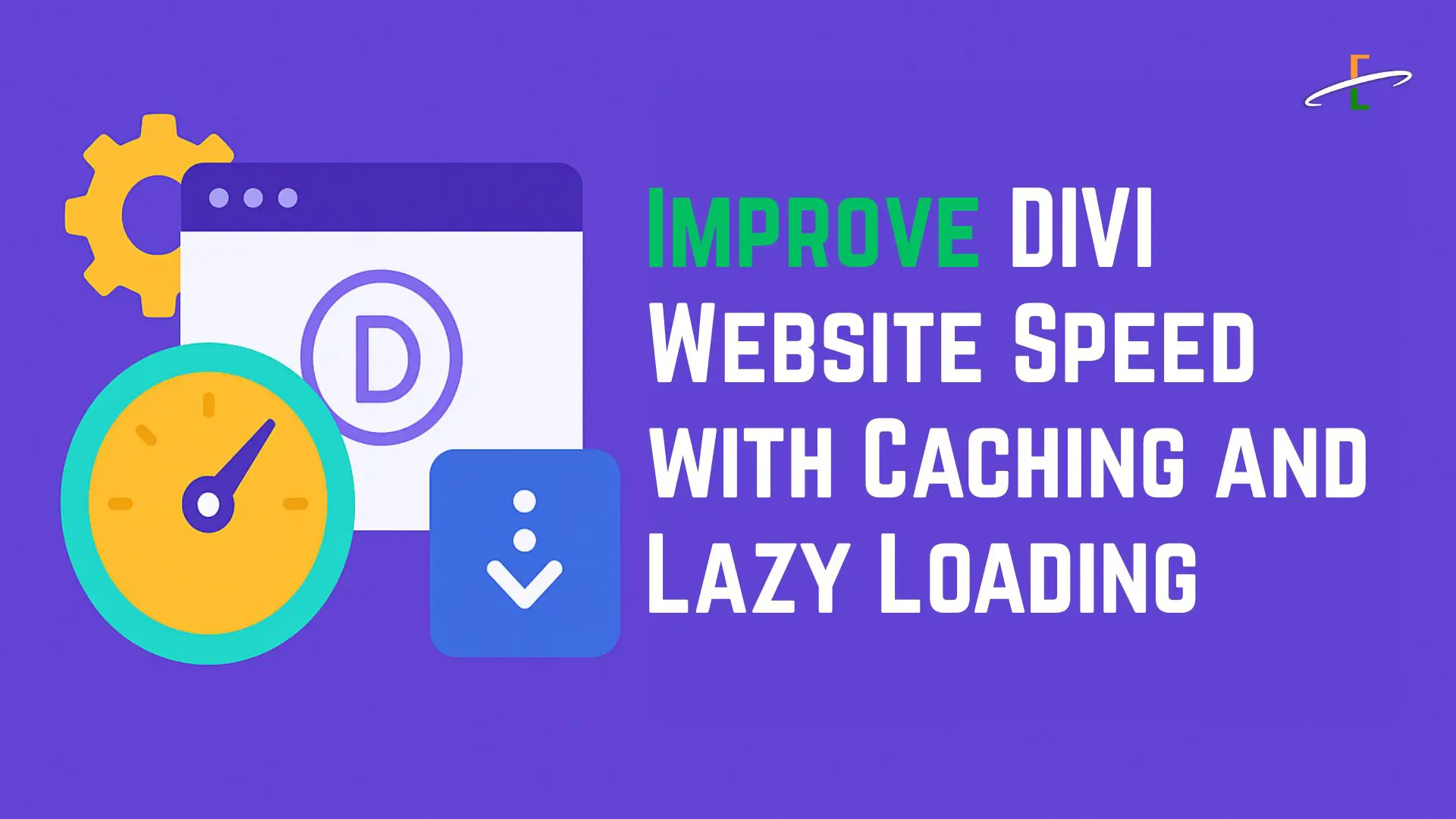
If you’re using the Divi theme for WordPress, you already know it’s one of the most powerful and flexible page builders available. But with its wide range of features comes the risk of slower page load times—especially if your site isn't properly optimized. Two of the best strategies to dramatically boost performance are caching and lazy loading.
In this blog, we’ll break down what caching and lazy loading are, why they matter for your Divi site, and how to implement them effectively.
1. Enable Caching for Faster Page Load Times
Caching is one of the simplest yet most powerful ways to improve your Divi website’s speed. Instead of generating each page from scratch every time someone visits, caching creates and stores static versions of your pages. This means that when users revisit your site—or visit multiple pages—they experience significantly faster load times.
When caching is properly configured, your server does less work, your pages load quicker, and your visitors are more likely to stay on your site. It's especially important for Divi sites, as Divi’s visual builder and advanced layouts can add extra loading time if not optimized.
Different Types of Caching You Should Use:
- Page Caching: Saves the entire HTML output of a page, so it loads instantly for future visitors.
- Browser Caching: Instructs users' browsers to save static assets (like images, CSS, and JavaScript) locally.
- Object Caching: Caches database query results, reducing the time it takes to retrieve data from your WordPress database.
How to Set Up Caching on Your Divi Site:
1. Install a caching plugin such as:
- WP Rocket (premium but beginner-friendly)
- W3 Total Cache (free with advanced settings)
- LiteSpeed Cache (free, works best with LiteSpeed servers)
2. Configure essential settings like:
- Page caching
- Browser caching
- GZIP compression
- Minification of CSS and JS files
3. Purge your cache anytime you update content or make design changes in the Divi Builder to ensure visitors see the latest version.
2. Use Lazy Loading to Optimize Image and Video Loading
Lazy loading is a highly effective way to improve your Divi website’s speed by deferring the loading of non-critical media assets—like images and videos—until they are actually needed. Instead of loading every image and video on the page at once, lazy loading waits until the user scrolls near them. This greatly reduces the initial load time and the strain on your server.
For Divi websites, which often rely on rich visuals, animations, and background videos, lazy loading ensures that only what’s immediately visible gets loaded first—delivering a faster and smoother user experience.
Benefits of Lazy Loading:
- Reduces initial page load time by not loading all media assets upfront
- Saves bandwidth, especially for users on mobile or slow networks
- Improves SEO and Core Web Vitals, especially Largest Contentful Paint (LCP)
- Enhances overall site responsiveness, keeping users engaged
How to Set Up Lazy Loading on a Divi Site:
1. Use Native Lazy Loading (Built into WordPress 5.5+)
WordPress now automatically adds the loading="lazy" attribute to image tags. Divi supports this feature by default, so most images will already be lazy-loaded.
2. Install a Lazy Load Plugin for More Control
Consider using plugins that enhance lazy loading options:
- a3 Lazy Load – free, beginner-friendly, and highly customizable
- Smush – includes both lazy load and image compression features
- Perfmatters – premium plugin offering advanced lazy loading for iframes, videos, and more
3. Optimize Image Sizes Before Uploading
Even with lazy loading, unnecessarily large image files can bog down your site. Use tools like:
- TinyPNG
- ImageOptim
- Divi’s built-in image size controls
4. Combine with Other Speed Optimization Techniques
Caching and lazy loading are powerful, but for optimal performance, consider combining them with:
- Minifying CSS and JS files
- Reducing HTTP requests
- Using a Content Delivery Network (CDN) like Cloudflare
- Hosting with a Divi-optimized provider (e.g., SiteGround, WP Engine)
5. Test Your Speed Improvements
Once you’ve applied caching and lazy loading, test your site speed using tools like:
Check for metrics like First Contentful Paint (FCP), Largest Contentful Paint (LCP), and Time to Interactive (TTI).
Faq
Conclusion:
Speed optimization is essential for any WordPress site, and even more so for Divi-powered websites that rely on dynamic, media-rich content. By enabling caching and lazy loading, you can dramatically improve your site’s performance, lower bounce rates, and boost SEO rankings.