
In most cases, this issue is caused by permalink or rewrite rule conflicts, especially after:
- Migrating a site
- Updating WordPress or Divi
- Installing or removing plugins
- Switching hosting environments
Quick Fix: Re-save Permalinks (Works in Most Cases)
This is the fastest and safest solution.
Step 1: Go to Permalink Settings
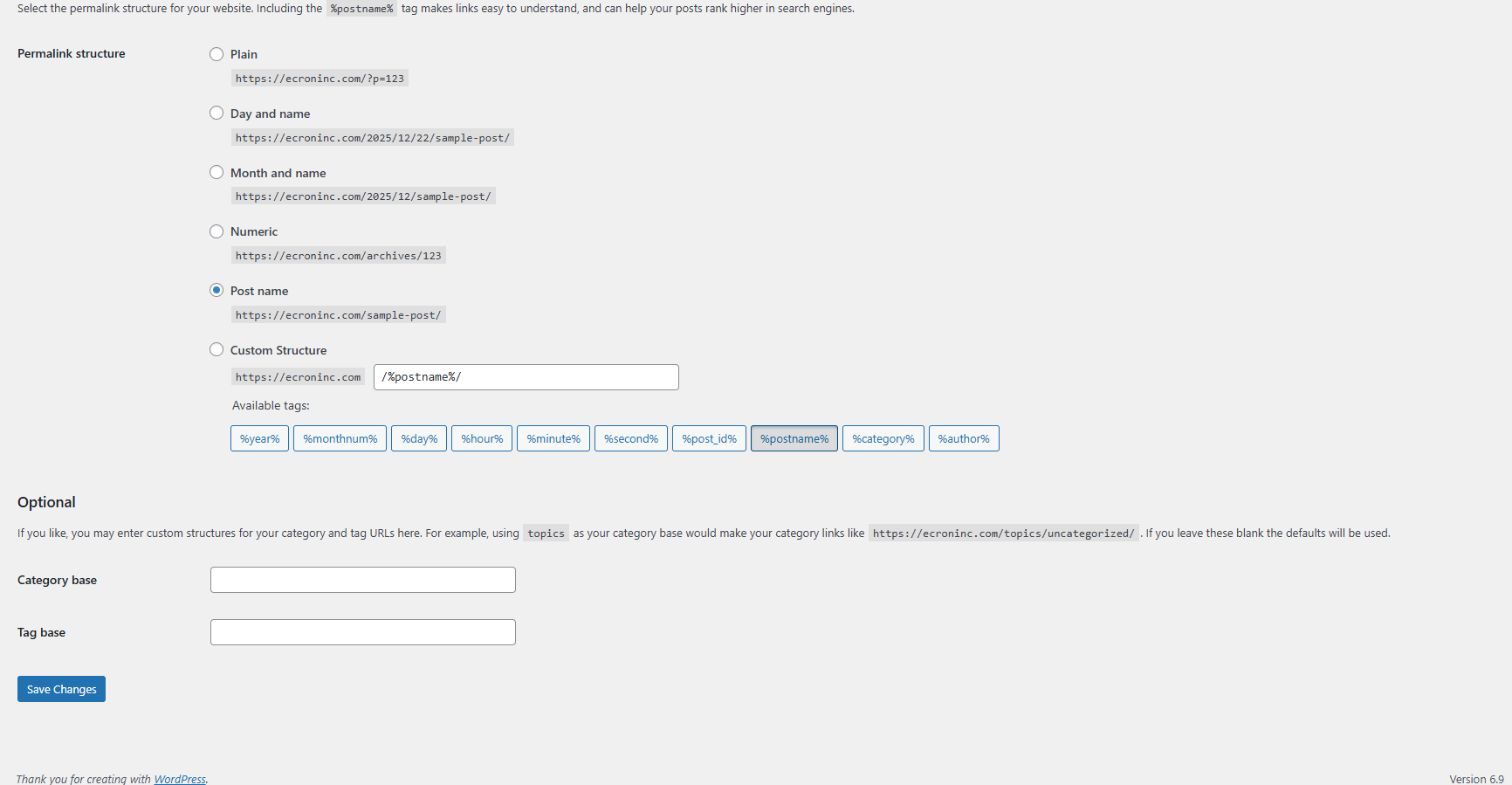
- Navigate to WordPress Dashboard → Settings → Permalinks
Step 2: Re-save Permalinks
- Do not change anything.
- Simply click the Save Changes button.
This refreshes WordPress rewrite rules and fixes internal routing issues.
Step 3: Check Divi Library Again
- Open the Divi Builder.
- Try inserting a saved layout.
Your missing Divi Library layouts should now appear correctly.
Why This Fix Works
Divi relies on WordPress rewrite rules to fetch and display saved layouts. When these rules become outdated or corrupted, Divi Library items may fail to load—even though they still exist in the database. Re-saving permalinks forces WordPress to regenerate those rules, instantly resolving the issue.
Conclusion:
The missing Divi Library layouts issue is common but easy to fix. By properly saving layouts and refreshing your permalinks, you can quickly restore access to your saved designs. This simple step resolves most cases without any technical changes. Keeping WordPress and Divi updated also helps prevent the issue. With these steps, your Divi workflow stays smooth and uninterrupted.Search blogs
Other Blogs

Elementor Not Saving Changes? Step-by-Step Solution
When you are building a page in Elementor and suddenly your changes refuse to save, it can feel extremely frustrating. You click the Update button, the loader spins, and then either nothing happens or an error message appears. Sometimes it even looks like the page...
How to Fix “There Has Been a Critical Error on This Website” in WordPress
If you are running a WordPress website and suddenly see the message “There has been a critical error on this website”, don’t panic. This error looks serious, but in most cases, it can be fixed easily. This message appears when something on your website stops working...
Divi 5 Is Finally Here — A Deep Dive Into the New Interface, Speed, Features & What’s Changed
After years of development and community feedback, Divi 5 has officially launched. But this isn’t just another update to the popular Divi by Elegant Themes — it is a complete architectural transformation. If you’ve explored a Divi 5 demo, you’ll immediately notice how...
How to Fix reCAPTCHA Not Working in WordPress
reCAPTCHA is an essential security feature that protects WordPress websites from spam, bots, and fake form submissions. However, many site owners face issues where reCAPTCHA does not display, fails validation, or blocks legitimate users from submitting forms. If...
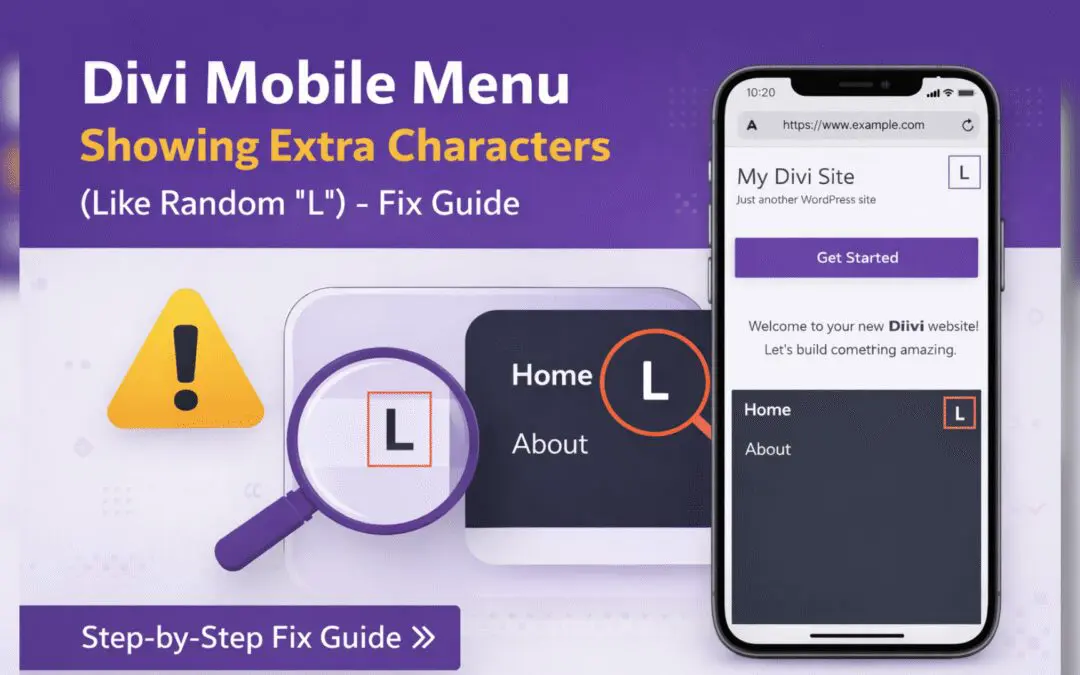
Divi Mobile Menu Showing Extra Characters or Symbols (Like Random “L”) – Fix Guide
If you are using the Divi theme on your WordPress website and notice extra characters or strange symbols (such as a random “L”, square boxes, or broken icons) appearing in the mobile menu, you are not alone. This is a common issue faced by many Divi users, especially...