10 Common WordPress Issues and How to Fix Them
Category: WordPress
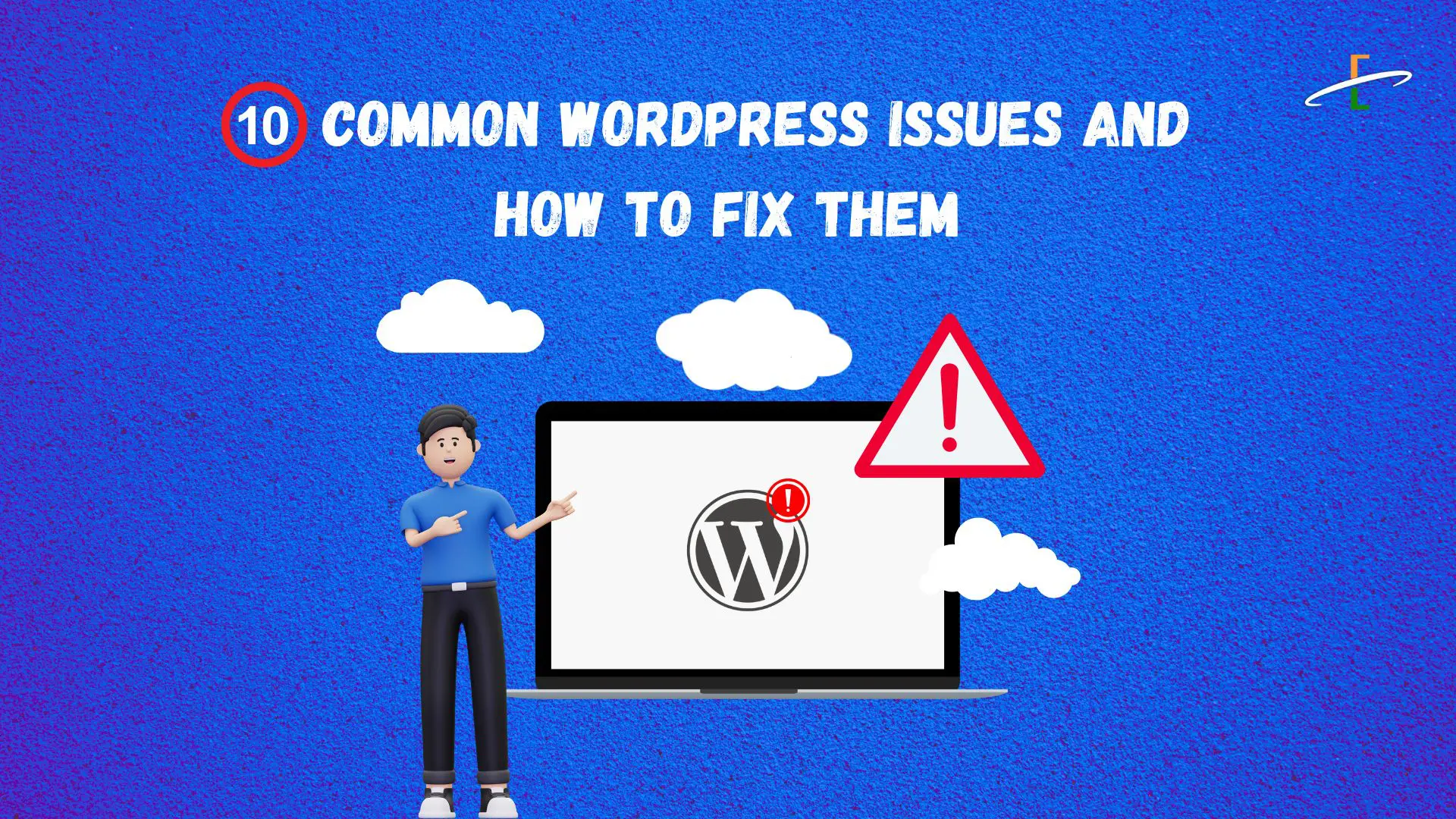
WordPress is a fantastic platform for building websites, but like any software, it’s not without its challenges. If you’re managing a WordPress website, chances are you’ve encountered some issues along the way. Here, we’ll dive into the most common WordPress problems and how to solve them.
1. Plugin Conflicts
Plugins are powerful tools, but sometimes they don’t play well together. A conflict can break your site’s layout or functionality.
How to Fix:
- Deactivate all plugins and reactivate them one by one to find the culprit.
- Keep plugins updated and only use well-reviewed options.
- Replace problematic plugins with alternatives.
2. The Dreaded White Screen of Death (WSOD)
A blank white screen with no error messages can be frustrating.
How to Fix:
- Increase the PHP memory limit by editing your wp-config.php file.
- Enable debugging to uncover the error: define('WP_DEBUG', true);.
- Check for theme or plugin issues by switching to a default theme or deactivating plugins.
3. Slow Website Performance
A slow site can drive users away and hurt your search engine rankings.
How to Fix:
4. Database Connection Errors
"Error establishing a database connection" can occur due to incorrect settings or server issues.
How to Fix:
- Verify database credentials in the wp-config.php file.
- Use the WordPress database repair tool (wp-admin/maint/repair.php).
- Contact your hosting provider for assistance.
5. Security Breaches
WordPress websites are a common target for hackers.
How to Fix:
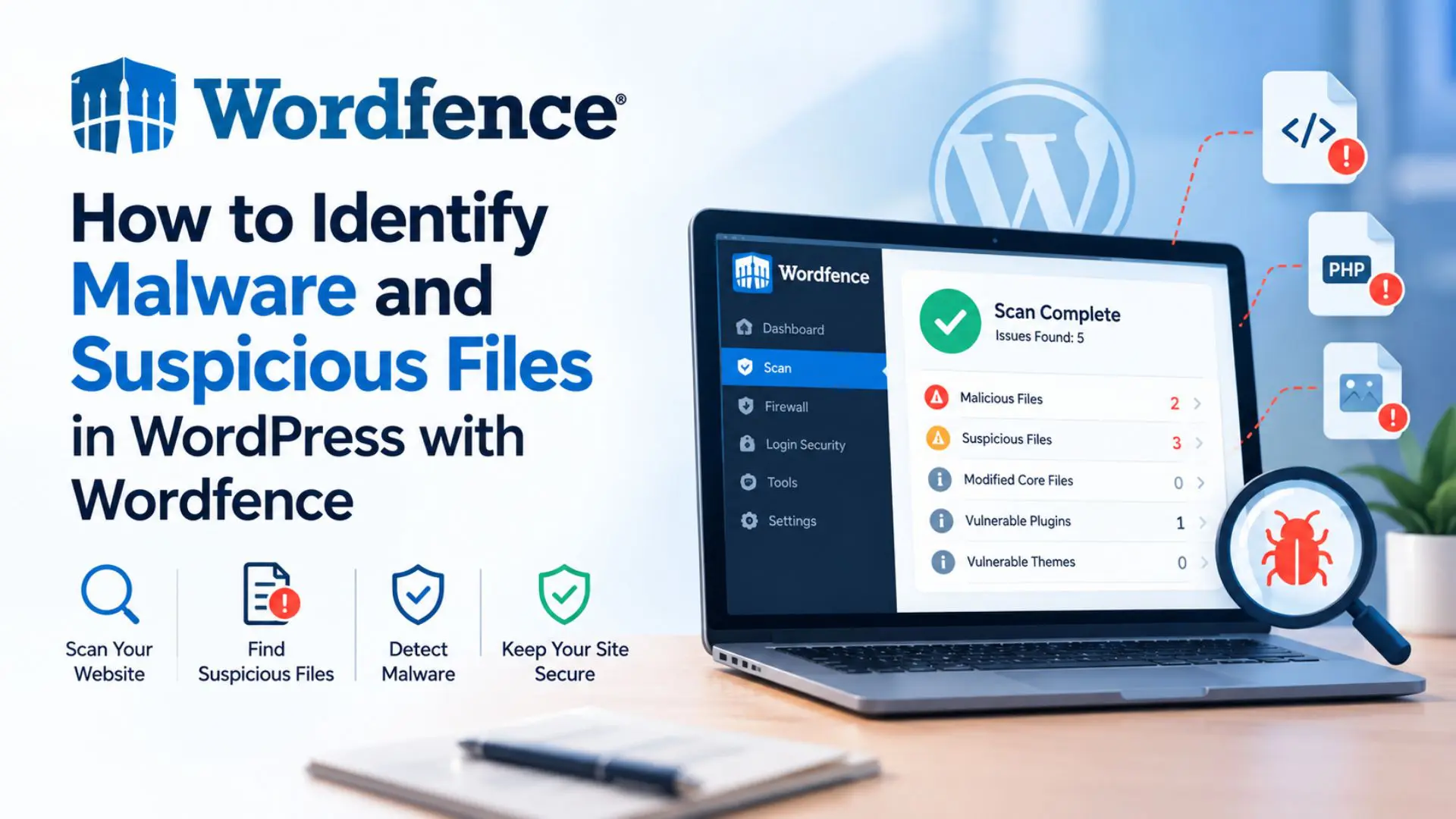
- Install a security plugin like Wordfence.
- Keep your WordPress core, plugins, and themes updated.
- Use strong passwords and enable two-factor authentication.
- Regularly back up your website.
6. Broken Links and 404 Errors
Broken links hurt user experience and SEO.
How to Fix:
- Update permalinks in WordPress settings.
- Use a plugin like Redirection to fix broken links.
- Audit your site for missing pages and create redirects.
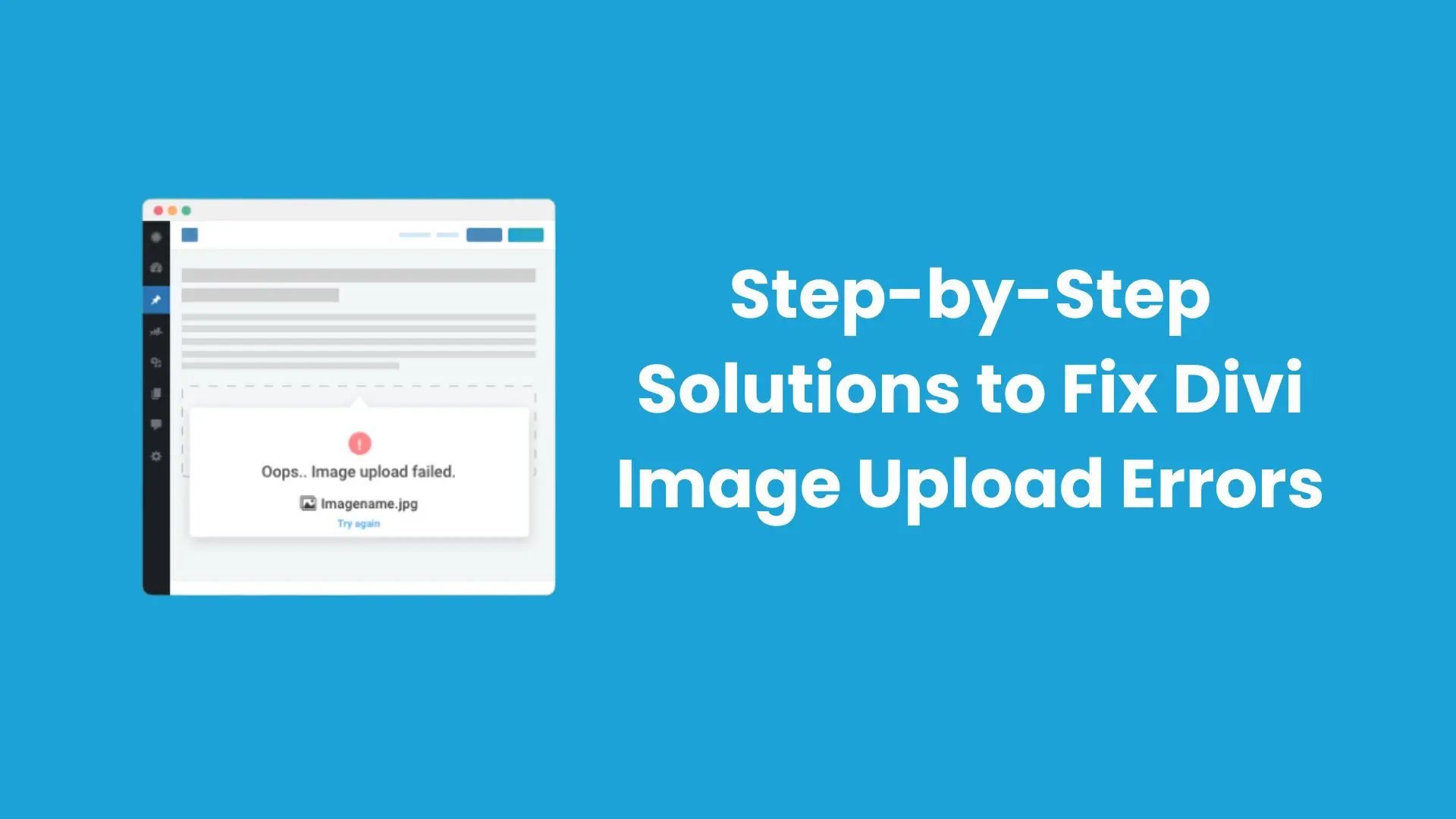
7. Issues with Media Uploads
Problems uploading images or files are often due to permission or size limitations.
How to Fix:
- Check folder permissions (wp-content/uploads should have 755 permissions).
- Increase the maximum upload size in your server settings.
- Use a plugin like Increase Maximum Upload File Size if needed.
8. Email Sending Issues
If your contact forms or password reset emails aren’t working, email configuration might be the problem.
How to Fix:
- Install an SMTP plugin like WP Mail SMTP.
- Configure the plugin with your email provider’s SMTP settings.
- Test email functionality using the plugin’s tools.
9. Theme Compatibility Problems
Your theme might cause layout or functionality issues, especially after an update.
How to Fix:
- Switch to a default WordPress theme to check if the problem persists.
- Update your theme or reinstall it if necessary.
- Test customizations on a staging site before applying them live.
10. Failed Updates
Sometimes updating WordPress, themes, or plugins can break your site.
How to Fix:
- Always back up your site before updating.
- Use a staging site to test updates first.
- Roll back problematic updates using plugins like WP Rollback.
Conclusion:
WordPress is an incredible platform, but it requires regular maintenance to keep things running smoothly. By addressing these common issues promptly, you can ensure your website stays functional and secure. Don’t forget to back up your site regularly and test changes on a staging environment to avoid unnecessary downtime.
Contact us to get more information about it.