

1. Laying the Foundation:
Embark on your SEO journey by grasping the fundamental concepts: keywords, meta tags, and content hierarchy. Learn how to align your content with search engine algorithms to maximize visibility.
2. Optimizing with Yoast SEO Plugin:
Discover the power of Yoast SEO, a game-changer for WordPress users. We’ll guide you through the installation, configuration, and utilization of this powerful plugin, turning your website into an SEO powerhouse. Know more about Yoast Plugin.
3. Crafting SEO-Friendly Content:
Dive deep into the heart of SEO: content creation. Explore the art of crafting compelling, keyword-rich content that captivates your audience and earns favor with search engines.
4. Amplifying SEO with Essential Plugins:
Explore essential plugins that optimize your website for speed, images, and rich snippets. Uncover the magic of schema markup and how it enhances your website’s presence on search engine results.
6. SEO Analytics with Google Tools:
Unlock the power of Google Analytics and Search Console. Learn how to interpret data, identify opportunities, and troubleshoot issues affecting your SEO performance.
7. Building a Backlink Strategy:
Explore the significance of backlinks in SEO. Delve into strategies for building high-quality, authoritative links that strengthen your website’s credibility with search engines.
Conclusion:
Armed with the insights from this guide, you’re now equipped to steer your WordPress website toward search engine dominance. The journey doesn’t end here; it’s an ongoing process of adaptation and refinement. Embrace the world of SEO in WordPress, elevate your online presence, and position your website for sustained success in the competitive digital landscape.
Contact us to get more information about it.
Search blogs
Other Blogs
Elementor Not Saving Changes? Step-by-Step Solution
When you are building a page in Elementor and suddenly your changes refuse to save, it can feel extremely frustrating. You click the Update button, the loader spins, and then either nothing happens or an error message appears. Sometimes it even looks like the page...
How to Fix “There Has Been a Critical Error on This Website” in WordPress
If you are running a WordPress website and suddenly see the message “There has been a critical error on this website”, don’t panic. This error looks serious, but in most cases, it can be fixed easily. This message appears when something on your website stops working...
Divi 5 Is Finally Here — A Deep Dive Into the New Interface, Speed, Features & What’s Changed
After years of development and community feedback, Divi 5 has officially launched. But this isn’t just another update to the popular Divi by Elegant Themes — it is a complete architectural transformation. If you’ve explored a Divi 5 demo, you’ll immediately notice how...
How to Fix reCAPTCHA Not Working in WordPress
reCAPTCHA is an essential security feature that protects WordPress websites from spam, bots, and fake form submissions. However, many site owners face issues where reCAPTCHA does not display, fails validation, or blocks legitimate users from submitting forms. If...
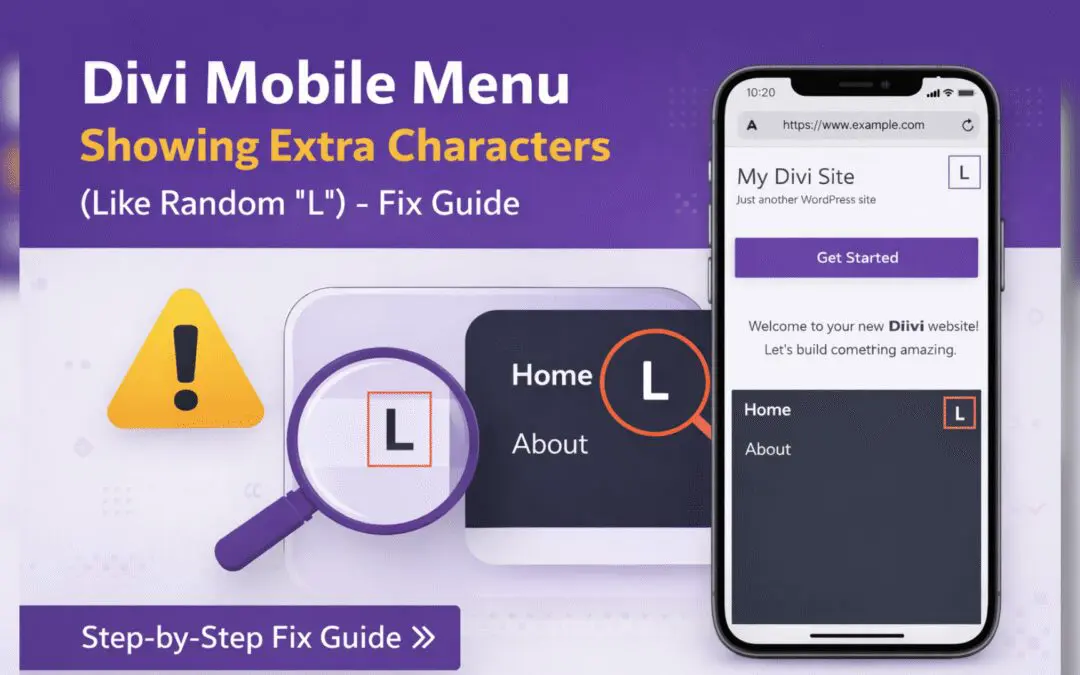
Divi Mobile Menu Showing Extra Characters or Symbols (Like Random “L”) – Fix Guide
If you are using the Divi theme on your WordPress website and notice extra characters or strange symbols (such as a random “L”, square boxes, or broken icons) appearing in the mobile menu, you are not alone. This is a common issue faced by many Divi users, especially...