
Unleashing the Power of Elementor: A Guide to Elevate Your WordPress Theme Experience
Category: Web Development | Wordpress
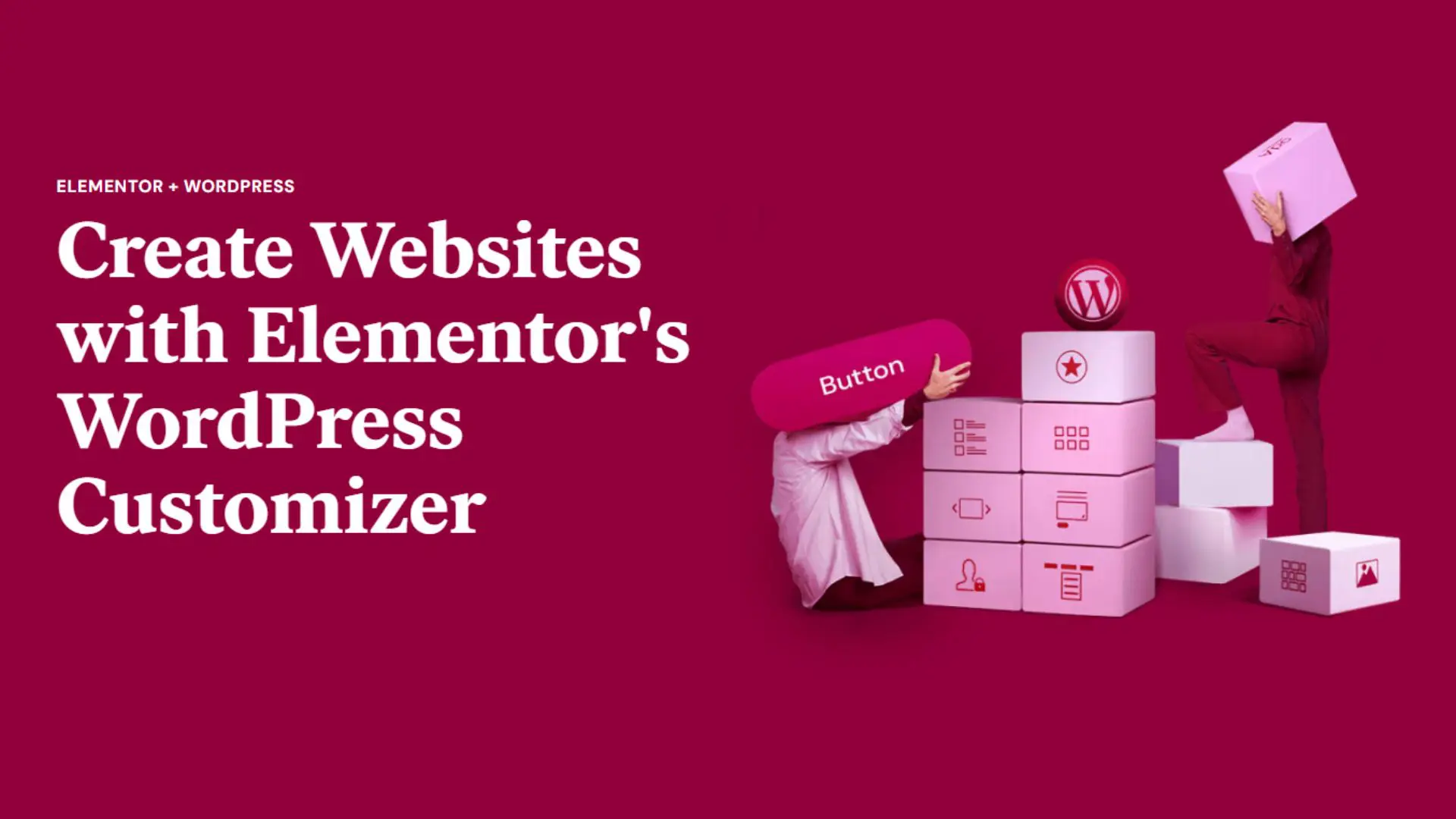
In the dynamic world of web development, creating a visually stunning and user-friendly website is essential for success. One of the game-changers in this arena is Elementor, a powerful page builder plugin for WordPress. In this blog post, we will explore the magic of Elementor and how it can transform your WordPress theme experience.
Understanding Elementor:
Elementor is a drag-and-drop page builder that enables users to design and customize their websites without any coding knowledge. It provides a user-friendly interface, making it accessible for beginners and advanced users alike. What sets Elementor apart is its real-time editing feature, allowing you to see changes instantly as you design your page.
Seamless Integration with WordPress Themes:
Elementor seamlessly integrates with various WordPress themes, enhancing their capabilities and allowing for unprecedented customization. Whether you’re starting from scratch or looking to revamp an existing site, Elementor works harmoniously with a multitude of themes to give you the design flexibility you desire.
Key Features of Elementor:
1. Drag-and-Drop Interface
Elementor’s drag-and-drop interface simplifies the design process. You can add elements such as text, images, buttons, and more by dragging them onto your canvas, arranging them as you see fit.
2.Extensive Widget Library
Elementor comes with a vast library of widgets that cater to different design needs. From basic elements like headings and images to advanced features like forms and pricing tables, Elementor’s widgets cover a wide spectrum of design possibilities.
3. Responsive Design
Creating a website that looks good on all devices is crucial. Elementor ensures your designs are responsive, meaning they adapt seamlessly to various screen sizes, providing an optimal user experience on desktops, tablets, and mobile devices.
4. Theme Builder
With Elementor Pro, you gain access to the Theme Builder, allowing you to design every part of your website, including headers, footers, single post pages, and archive pages. This feature enables you to maintain a consistent design throughout your site.
Elementor and WordPress Theme Customization:
1. Customize Without Code
One of Elementor’s biggest advantages is its ability to empower users to design and customize their websites without delving into the intricacies of code. This democratization of web design opens up possibilities for individuals and businesses that may not have the resources to hire a professional developer.
2. Speed Up Development
Elementor expedites the website development process, thanks to its intuitive interface and pre-built templates. You can quickly create a professional-looking site, saving time and effort in the development phase.
3. Compatibility
Elementor is designed to work seamlessly with many WordPress themes. Whether you choose a popular theme or a niche-specific one,Elementor’s compatibility ensures that you can leverage its features without any compatibility issues.
Conclusion
In the ever-evolving landscape of web development, Elementor stands out as a versatile and powerful tool for WordPress users. Its intuitive interface, extensive feature set, and seamless integration with WordPress themes make it a go-to choice for individuals and businesses alike. Whether you’re a seasoned developer or a beginner, Elementor empowers you to create visually stunning and functional websites that leave a lasting impression on your visitors. Embrace the power of Elementor and elevate your WordPress theme experience to new heights.
Search blogs
Other Blogs
Elementor Not Saving Changes? Step-by-Step Solution
When you are building a page in Elementor and suddenly your changes refuse to save, it can feel extremely frustrating. You click the Update button, the loader spins, and then either nothing happens or an error message appears. Sometimes it even looks like the page...
How to Fix “There Has Been a Critical Error on This Website” in WordPress
If you are running a WordPress website and suddenly see the message “There has been a critical error on this website”, don’t panic. This error looks serious, but in most cases, it can be fixed easily. This message appears when something on your website stops working...
Divi 5 Is Finally Here — A Deep Dive Into the New Interface, Speed, Features & What’s Changed
After years of development and community feedback, Divi 5 has officially launched. But this isn’t just another update to the popular Divi by Elegant Themes — it is a complete architectural transformation. If you’ve explored a Divi 5 demo, you’ll immediately notice how...

How to Fix reCAPTCHA Not Working in WordPress
reCAPTCHA is an essential security feature that protects WordPress websites from spam, bots, and fake form submissions. However, many site owners face issues where reCAPTCHA does not display, fails validation, or blocks legitimate users from submitting forms. If...
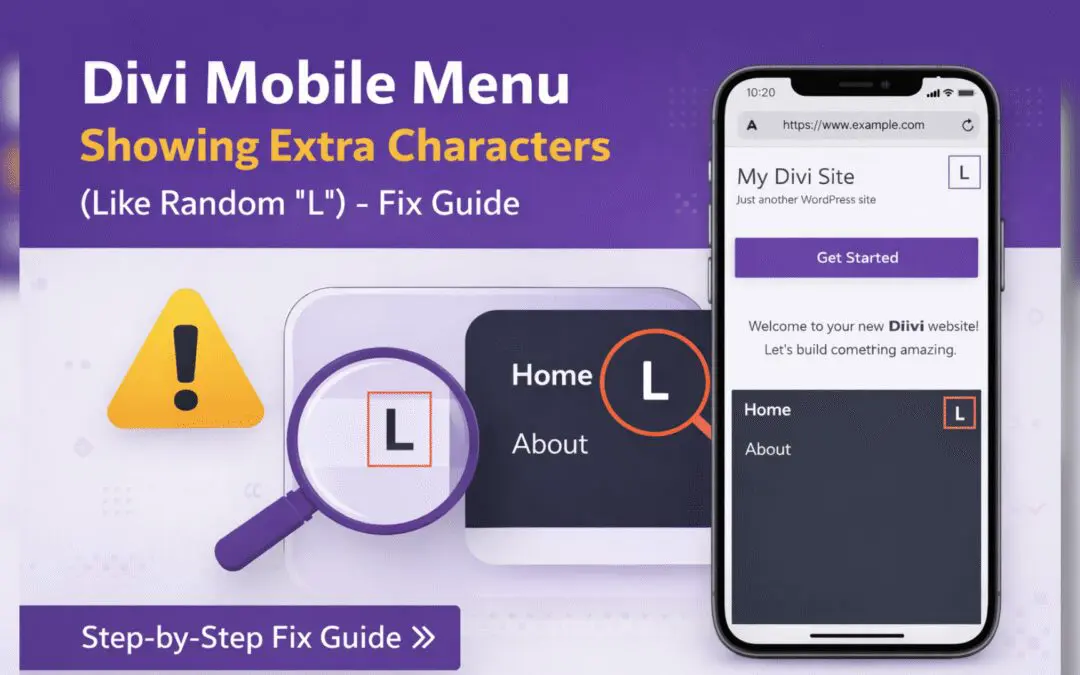
Divi Mobile Menu Showing Extra Characters or Symbols (Like Random “L”) – Fix Guide
If you are using the Divi theme on your WordPress website and notice extra characters or strange symbols (such as a random “L”, square boxes, or broken icons) appearing in the mobile menu, you are not alone. This is a common issue faced by many Divi users, especially...