
Top 10 Features of WordPress for Effective Web Development
Category: Web Development | Wordpress
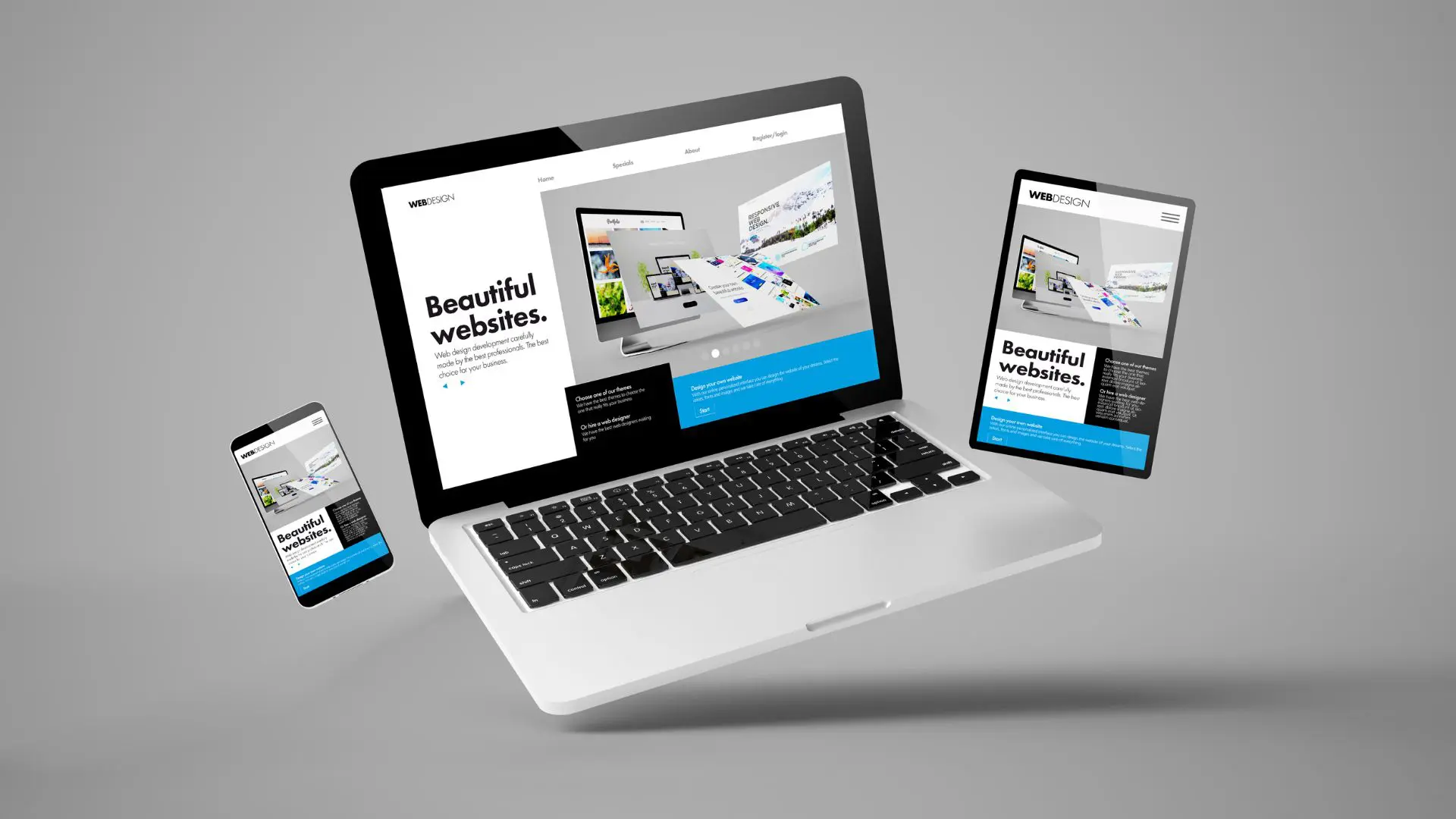
WordPress, originally designed as a blogging platform, has evolved into a powerful content management system (CMS) that is used by millions of websites around the world. Its versatility, user-friendly interface, and extensive library of plugins and themes make it a popular choice for web development. In this blog, we’ll explore the top 10 WordPress features that make it a go-to platform for web developers.
1. Easy Content Management
One of the standout features of WordPress is its intuitive content management system. You can easily create, edit, and organize content using a simple and user-friendly interface. This is ideal for clients who want to manage their websites without a steep learning curve.
2. Flexible Themes
WordPress offers a wide range of free and premium themes that allow web developers to create stunning and unique designs. You can choose from thousands of themes or create your own custom design to match your client’s specific needs and branding.
3. Powerful Plugins
WordPress has a huge library of plugins, making it a favorite for developers. You can add features for e-commerce, SEO, social media, security, and more. Plugins save time and effort by reducing the need to build features from scratch.
4. SEO-Friendly
WordPress is designed with SEO in mind. It generates clean, search-engine-friendly code and offers numerous SEO plugins that help you optimize your site for better search engine rankings. This is a crucial feature for clients who want their websites to be easily discoverable.
5. Responsive Design
In the age of mobile devices, responsive web design is a must. Many WordPress themes are built with responsiveness in mind, ensuring that your website looks and works great on all screen sizes. This feature saves you the trouble of building separate mobile versions of your site.
6. Multilingual Support
WordPress supports multiple languages out of the box, making it an excellent choice for websites targeting international audiences. You can easily create multilingual websites or translate your content into various languages using plugins like WPML.
7. Regular Updates and Security
WordPress is continuously updated to enhance security and performance. This ensures that your website stays secure against potential threats and vulnerabilities. Staying up to date is vital for long-term success.
8. E-commerce Integration
With plugins like WooCommerce, WordPress has become a powerful e-commerce platform. You can build feature-rich online stores for your clients, complete with product catalogs, payment gateways, and inventory management.
9. Community Support
WordPress has a vast and active community of users, developers, and experts. This community support means you can find solutions to your development questions, troubleshoot issues, and stay updated with the latest trends and best practices.
10. User Roles and Permissions
WordPress allows you to assign different user roles and permissions, making it easy to manage who can access and modify different parts of the website. This feature is essential for websites that have multiple contributors or content editors.
To Summarize, WordPress is a popular choice for web development because of its easy-to-use interface, a wide range of customization options, and active community of developers and users. Whether you’re building a personal blog, a business site, or an e-commerce platform, WordPress provides the tools to create a professional and functional website tailored to your needs. No wonder many web developers choose WordPress as their preferred platform.
Search blogs
Other Blogs
Elementor Not Saving Changes? Step-by-Step Solution
When you are building a page in Elementor and suddenly your changes refuse to save, it can feel extremely frustrating. You click the Update button, the loader spins, and then either nothing happens or an error message appears. Sometimes it even looks like the page...
How to Fix “There Has Been a Critical Error on This Website” in WordPress
If you are running a WordPress website and suddenly see the message “There has been a critical error on this website”, don’t panic. This error looks serious, but in most cases, it can be fixed easily. This message appears when something on your website stops working...
Divi 5 Is Finally Here — A Deep Dive Into the New Interface, Speed, Features & What’s Changed
After years of development and community feedback, Divi 5 has officially launched. But this isn’t just another update to the popular Divi by Elegant Themes — it is a complete architectural transformation. If you’ve explored a Divi 5 demo, you’ll immediately notice how...
How to Fix reCAPTCHA Not Working in WordPress
reCAPTCHA is an essential security feature that protects WordPress websites from spam, bots, and fake form submissions. However, many site owners face issues where reCAPTCHA does not display, fails validation, or blocks legitimate users from submitting forms. If...
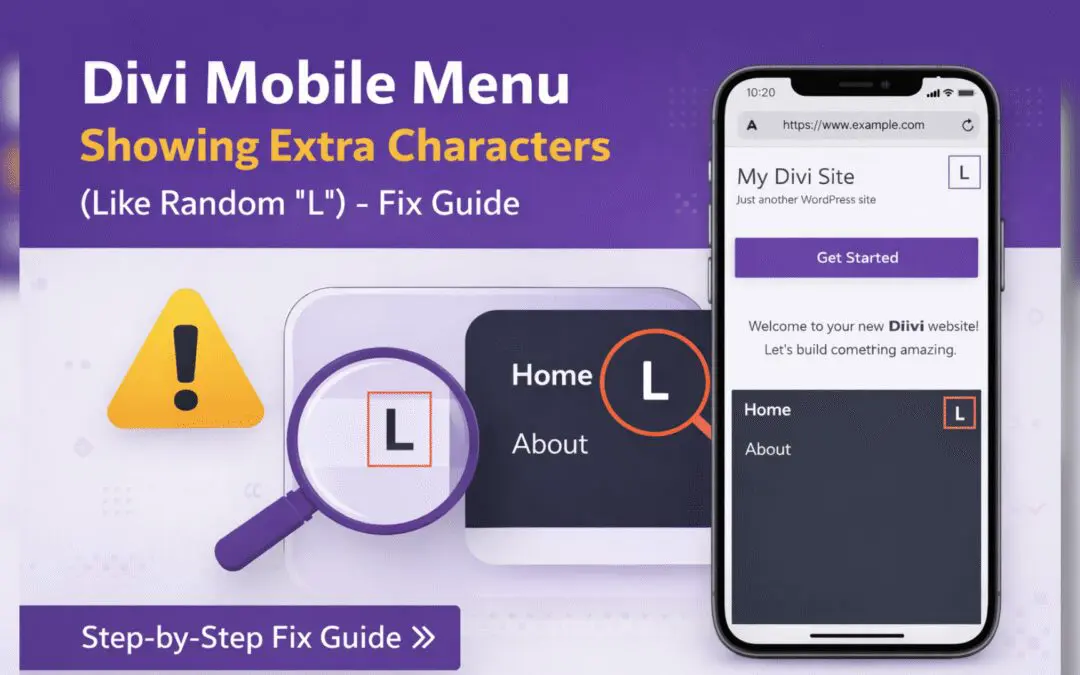
Divi Mobile Menu Showing Extra Characters or Symbols (Like Random “L”) – Fix Guide
If you are using the Divi theme on your WordPress website and notice extra characters or strange symbols (such as a random “L”, square boxes, or broken icons) appearing in the mobile menu, you are not alone. This is a common issue faced by many Divi users, especially...