
Selecting Fonts for Your WordPress Site: Understanding the Significance of Typography in Web Design
Category: Web Design
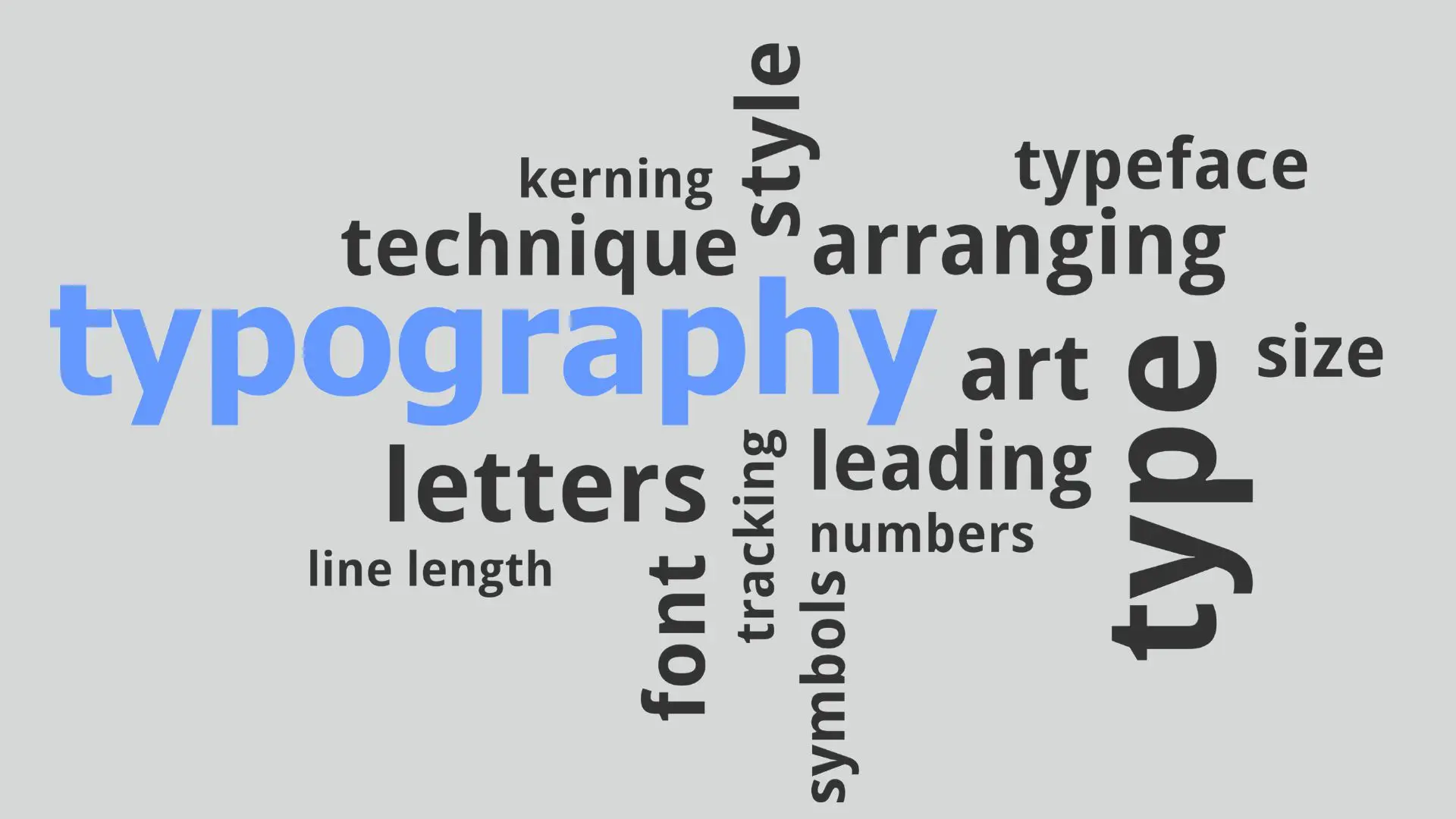
1. Establishing Brand Identity:
Typography serves as a visual representation of your brand’s personality and values. Consistency in font selection across your WordPress site reinforces brand identity and fosters brand recognition. Whether your brand exudes modern sophistication or playful creativity, aligning fonts with your brand’s essence strengthens its presence in the digital realm.
2. Enhancing Readability and Accessibility:
The legibility of text content is paramount in ensuring a positive user experience. Choosing fonts with clear letterforms and appropriate spacing enhances readability, making it easier for visitors to consume your content. Moreover, accessibility considerations, such as font size and contrast, cater to users with visual impairments, fostering inclusivity and broadening your site’s reach.
3. Evoking Emotional Responses:
Fonts possess inherent emotional associations that can influence users’ perceptions and attitudes towards your content. Serif fonts exude a sense of tradition and formality, while sans-serif fonts convey modernity and simplicity. By carefully selecting fonts that resonate with your target audience, you can evoke the desired emotional responses and establish a deeper connection with users.
4. Complementing Design Elements:
Typography should harmonize with other design elements, such as color palette, imagery, and layout, to create a cohesive visual aesthetic. Striking a balance between font styles, weights, and sizes ensures that typography seamlessly integrates with the overall design scheme of your WordPress site, enhancing visual appeal and user engagement.
5. Optimizing for Cross-Device Compatibility:
In today’s multi-device landscape, responsive web design is imperative for delivering a consistent user experience across various screen sizes and devices. Choosing web-safe fonts or utilizing web font services ensures that your typography renders accurately across different platforms, preserving design integrity and usability.
Conclusion:
In conclusion, typography serves as a cornerstone of effective web design, influencing user perception, readability, and brand identity. By conscientiously selecting fonts that align with your brand’s personality and cater to user needs, you can elevate the visual appeal and functionality of your WordPress site. Remember to prioritize readability, accessibility, and design coherence when making typography decisions, ultimately enhancing the overall user experience and driving engagement.
Whether you’re revamping an existing WordPress site or embarking on a new design endeavor, the significance of typography cannot be overstated. Embrace the power of fonts to captivate your audience and leave a lasting impression in the digital realm.
Contact us to get more information about it.
Search blogs
Other Blogs
Elementor Not Saving Changes? Step-by-Step Solution
When you are building a page in Elementor and suddenly your changes refuse to save, it can feel extremely frustrating. You click the Update button, the loader spins, and then either nothing happens or an error message appears. Sometimes it even looks like the page...
How to Fix “There Has Been a Critical Error on This Website” in WordPress
If you are running a WordPress website and suddenly see the message “There has been a critical error on this website”, don’t panic. This error looks serious, but in most cases, it can be fixed easily. This message appears when something on your website stops working...
Divi 5 Is Finally Here — A Deep Dive Into the New Interface, Speed, Features & What’s Changed
After years of development and community feedback, Divi 5 has officially launched. But this isn’t just another update to the popular Divi by Elegant Themes — it is a complete architectural transformation. If you’ve explored a Divi 5 demo, you’ll immediately notice how...
How to Fix reCAPTCHA Not Working in WordPress
reCAPTCHA is an essential security feature that protects WordPress websites from spam, bots, and fake form submissions. However, many site owners face issues where reCAPTCHA does not display, fails validation, or blocks legitimate users from submitting forms. If...
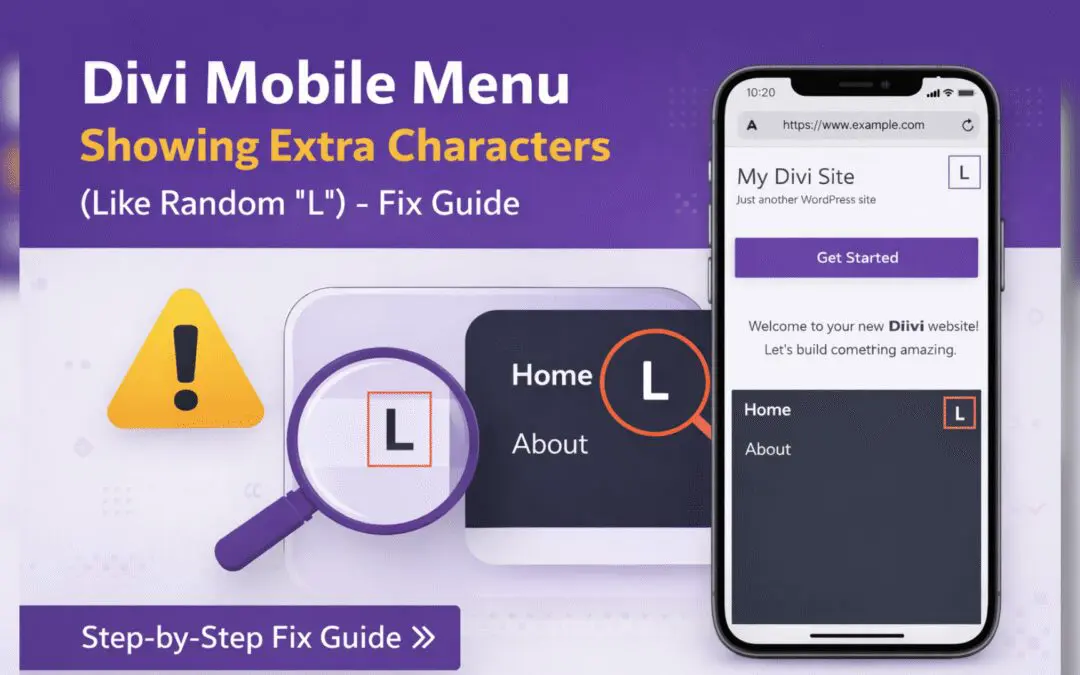
Divi Mobile Menu Showing Extra Characters or Symbols (Like Random “L”) – Fix Guide
If you are using the Divi theme on your WordPress website and notice extra characters or strange symbols (such as a random “L”, square boxes, or broken icons) appearing in the mobile menu, you are not alone. This is a common issue faced by many Divi users, especially...