
Resolving Issues with Broken Links and Permalinks in WordPress
Category: SEO | Web Design | Wordpress
1. Understanding Broken Links:
Broken links, also known as dead links, are hyperlinks that lead to web pages or resources that no longer exist. They often result in a 404 error message, indicating that the requested page cannot be found. Broken links can occur for various reasons, including:
- Page deletion or content removal.
- URL structure changes.
- Typos or incorrect URL input.
- External websites going offline or restructuring.
Broken links not only frustrate visitors but also negatively impact your site’s SEO performance, as search engines may interpret them as a sign of poor website maintenance.
2. Identifying Broken Links:
Before you can fix broken links on your WordPress site, you need to identify them. Fortunately, there are several tools and methods available for this purpose:
- Use online link checkers such as Broken Link Checker or Screaming Frog SEO Spider.
- Utilize Google Search Console to identify crawl errors and broken links reported by Google.
- Manually check your website for broken links by navigating through each page.
3. Fixing Broken Links:
- Redirect broken links to relevant pages using 301 redirects.
- Update internal links to point to existing pages or resources.
- Remove or replace broken links with updated or relevant content.
- Reach out to webmasters of external sites linking to your broken pages and request updates or corrections.
4. Understanding Permalink Issues:
Permalinks, or permanent links, are the URLs that point to individual pages and posts on your WordPress site. Permalink issues can arise when there are inconsistencies or errors in the URL structure, leading to broken links, 404 errors, or poor SEO performance.
Common causes of permalink issues include:
- Incorrect permalink settings in WordPress.
- Changes in the site’s URL structure without proper redirection.
- Plugin conflicts or compatibility issues.
- Server misconfigurations or .htaccess file errors.
5. Fixing Permalink Issues:
To resolve permalink issues in WordPress, follow these steps:
- Ensure that the permalink structure is correctly configured in the WordPress settings.
- Check for conflicting plugins and deactivate or replace them if necessary.
- Verify the .htaccess file for any errors and make necessary adjustments.
- Use the “Permalink Finder” tool in the Yoast SEO plugin to troubleshoot and fix permalink-related problems.
Conclusion:
Broken links and permalink issues can adversely affect the user experience, SEO, and overall performance of your WordPress site. By understanding the causes and implementing the appropriate solutions outlined in this guide, you can effectively address these issues and maintain a healthy, well-functioning website. Remember to regularly monitor your site for broken links and permalink issues to ensure a seamless browsing experience for your visitors.
Contact us to get more information about it.
Search blogs
Other Blogs
Elementor Not Saving Changes? Step-by-Step Solution
When you are building a page in Elementor and suddenly your changes refuse to save, it can feel extremely frustrating. You click the Update button, the loader spins, and then either nothing happens or an error message appears. Sometimes it even looks like the page...
How to Fix “There Has Been a Critical Error on This Website” in WordPress
If you are running a WordPress website and suddenly see the message “There has been a critical error on this website”, don’t panic. This error looks serious, but in most cases, it can be fixed easily. This message appears when something on your website stops working...
Divi 5 Is Finally Here — A Deep Dive Into the New Interface, Speed, Features & What’s Changed
After years of development and community feedback, Divi 5 has officially launched. But this isn’t just another update to the popular Divi by Elegant Themes — it is a complete architectural transformation. If you’ve explored a Divi 5 demo, you’ll immediately notice how...
How to Fix reCAPTCHA Not Working in WordPress
reCAPTCHA is an essential security feature that protects WordPress websites from spam, bots, and fake form submissions. However, many site owners face issues where reCAPTCHA does not display, fails validation, or blocks legitimate users from submitting forms. If...
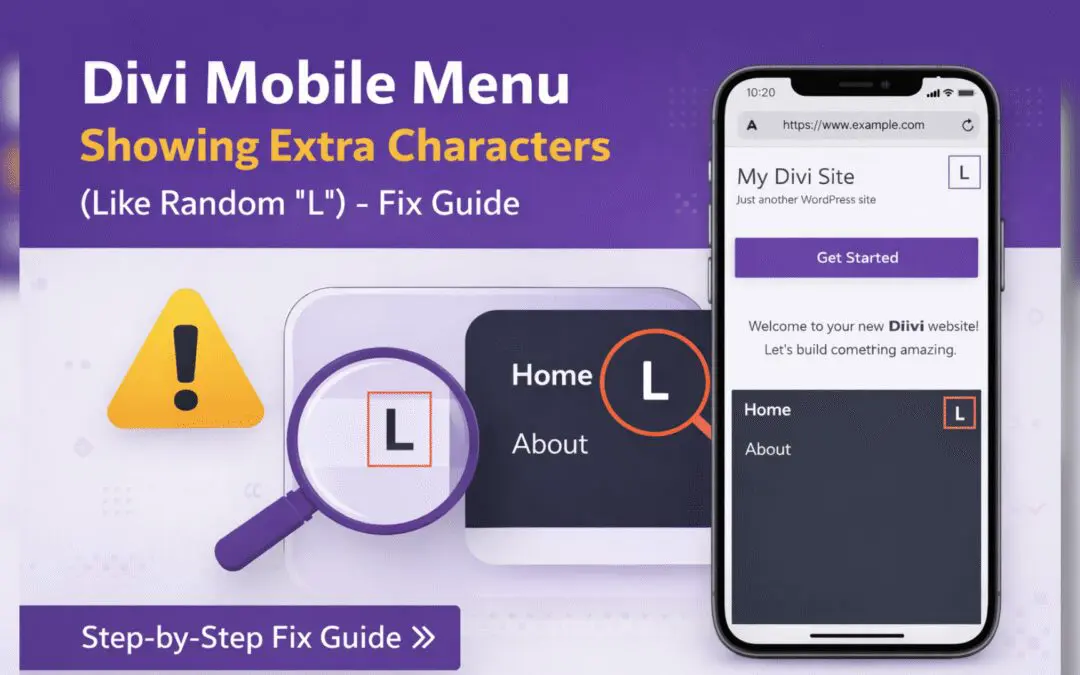
Divi Mobile Menu Showing Extra Characters or Symbols (Like Random “L”) – Fix Guide
If you are using the Divi theme on your WordPress website and notice extra characters or strange symbols (such as a random “L”, square boxes, or broken icons) appearing in the mobile menu, you are not alone. This is a common issue faced by many Divi users, especially...