
Essential Divi Techniques: 10 Tips and Tricks to Elevate Your WordPress Experience
Category: Plugins | Web Design
Divi, one of the most popular WordPress themes, has gained widespread acclaim for its versatility, user-friendliness, and powerful features. Whether you’re a seasoned Divi user or just getting started, mastering a few key tips and tricks can significantly enhance your website-building experience. In this blog post, we’ll explore 10 essential Divi tips and tricks that every WordPress user should know.
1. Explore the Divi Library:
The Divi Library is a treasure trove of pre-designed layouts, modules, and sections that you can use to expedite your website-building process. Take advantage of this feature by exploring the extensive collection of templates and saving your own custom designs for future use.
2. Leverage Keyboard Shortcuts:
Divi comes equipped with a range of keyboard shortcuts that can streamline your workflow and save you time. Familiarize yourself with shortcuts like Ctrl + S (Save), Ctrl + Z (Undo), and Ctrl + Shift + D (Duplicate) to work more efficiently within the Divi Builder.
3. Customize the Responsive Views:
Ensure your website looks great on all devices by customizing the responsive views within the Divi Builder. Use the responsive editing options to adjust font sizes, spacing, and layout settings for various screen sizes, ensuring a seamless user experience across desktops, tablets, and mobile devices.
4. Utilize Global Elements:
Global elements allow you to create reusable components, such as headers, footers, or call-to-action buttons, that remain consistent across multiple pages. By leveraging global elements, you can maintain brand consistency and make site-wide updates effortlessly.
5. Experiment with Hover Effects:
Add interactivity and visual interest to your website by experimenting with Divi’s hover effects. Use the hover options within modules like buttons, images, and dividers to create eye-catching animations and transitions that engage your visitors.
6. Harness the Power of Divi Modules:
Divi offers a vast array of modules that enable you to add dynamic content and functionality to your website. Explore modules like sliders, galleries, forms, and testimonials to showcase your content in innovative ways and enhance user engagement.
7. Optimize for Page Speed:
Page speed is a critical factor in user experience and search engine rankings. Optimize your Divi website for speed by minimizing image sizes, enabling browser caching, and leveraging Divi’s built-in performance features, such as lazy loading and minification.
8. Customize with CSS:
For advanced customization, leverage Divi’s Custom CSS feature to apply custom styles to specific elements or sections of your website. Whether you’re tweaking typography, adjusting margins, or implementing complex design elements, CSS customization offers endless possibilities for personalization.
9. Integrate Third-Party Plugins:
Extend the functionality of your Divi website by integrating third-party plugins that complement the Divi Builder. Whether you need e-commerce capabilities, social media integration, or advanced analytics, there’s a plugin available to enhance your website’s features and performance.
10. Stay Updated and Explore Resources:
Finally, stay informed about the latest Divi updates, features, and best practices by regularly checking the Elegant Themes blog, documentation, and community forums. Participate in Divi-related events, webinars, and online communities to connect with fellow users and expand your knowledge.
Conclusion:
In conclusion, mastering these 10 essential Divi tips and tricks can empower you to create stunning, functional websites with ease. By leveraging Divi’s features and capabilities to their fullest extent, you can unlock the full potential of this powerful WordPress theme and elevate your web design projects to new heights.
Contact us to get more information about it.
Search blogs
Other Blogs
Elementor Not Saving Changes? Step-by-Step Solution
When you are building a page in Elementor and suddenly your changes refuse to save, it can feel extremely frustrating. You click the Update button, the loader spins, and then either nothing happens or an error message appears. Sometimes it even looks like the page...
How to Fix “There Has Been a Critical Error on This Website” in WordPress
If you are running a WordPress website and suddenly see the message “There has been a critical error on this website”, don’t panic. This error looks serious, but in most cases, it can be fixed easily. This message appears when something on your website stops working...
Divi 5 Is Finally Here — A Deep Dive Into the New Interface, Speed, Features & What’s Changed
After years of development and community feedback, Divi 5 has officially launched. But this isn’t just another update to the popular Divi by Elegant Themes — it is a complete architectural transformation. If you’ve explored a Divi 5 demo, you’ll immediately notice how...
How to Fix reCAPTCHA Not Working in WordPress
reCAPTCHA is an essential security feature that protects WordPress websites from spam, bots, and fake form submissions. However, many site owners face issues where reCAPTCHA does not display, fails validation, or blocks legitimate users from submitting forms. If...
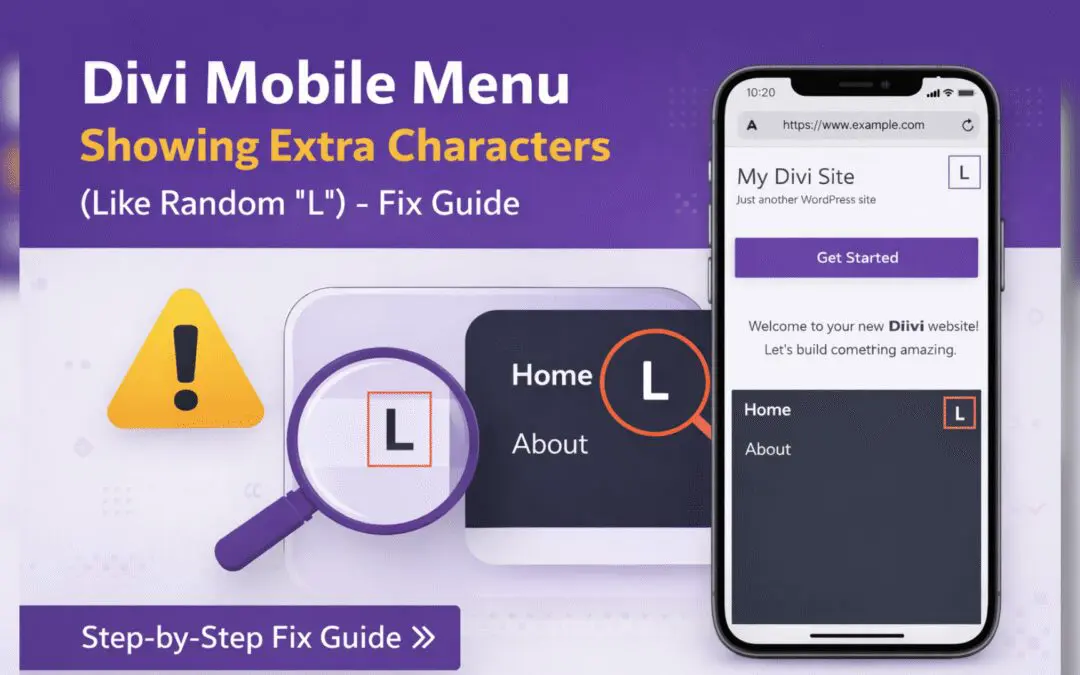
Divi Mobile Menu Showing Extra Characters or Symbols (Like Random “L”) – Fix Guide
If you are using the Divi theme on your WordPress website and notice extra characters or strange symbols (such as a random “L”, square boxes, or broken icons) appearing in the mobile menu, you are not alone. This is a common issue faced by many Divi users, especially...