
Effective Strategies for Comment and Spam Management in WordPress
Category: Security | Web Development
Managing comments and spam in WordPress involves several steps and techniques to ensure your blog’s comment section remains engaging and free from unwanted content. Here’s a detailed guide on managing comments and combating spam:
1. Enable Comment Moderation:
In your WordPress dashboard, navigate to Settings > Discussion. Check the box that says “Comment must be manually approved” to enable comment moderation. This allows you to review and approve comments before they appear on your blog, preventing spam from being published.
2. Use CAPTCHA or reCAPTCHA:
Integrate CAPTCHA or reCAPTCHA into your comment form to deter automated spam bots. You can use plugins like “reCAPTCHA for WordPress” to easily add this security measure to your site. It helps verify that the commenter is a real person and not a bot.
3. Set Comment Blacklist:
In the Discussion settings, you can create a list of keywords, IP addresses, or email addresses that you want to blacklist. Comments containing any of these blacklisted items will be automatically sent to the spam folder.
4. Monitor Comments Regularly:
Make it a habit to check your comments section regularly. Approve legitimate comments, reply to them if necessary, and mark spam comments appropriately. Engaging with your audience also encourages genuine interactions.
5. Enable User Registration:
Require users to register or log in before they can comment on your blog. This adds an extra layer of accountability and helps prevent anonymous spamming. You can enable user registration in the General settings of WordPress.
6. Manually Review Spam Folder:
Occasionally, check your spam folder to ensure that legitimate comments haven’t been mistakenly marked as spam. Akismet does a good job, but it’s not perfect, so manual oversight is still necessary.
7. Encourage Quality Comments:
Set clear guidelines for commenting on your blog and encourage meaningful discussions. Discourage spammy behavior by fostering a positive and respectful commenting environment.
8. Report Spam:
If you notice persistent spam from certain IP addresses or domains, consider reporting them or blocking them directly through your hosting provider.
Conclusion:
In conclusion, managing comments and spam in WordPress is essential for maintaining a quality user experience on your blog. By utilizing tools like comment moderation, anti-spam plugins, and user registration requirements, you can effectively control the flow of comments and prevent spam from cluttering your site. Regular monitoring and engagement with your audience help foster a positive community atmosphere while ensuring that genuine interactions thrive.
Contact us to get more information about it.
Search blogs
Other Blogs
Elementor Not Saving Changes? Step-by-Step Solution
When you are building a page in Elementor and suddenly your changes refuse to save, it can feel extremely frustrating. You click the Update button, the loader spins, and then either nothing happens or an error message appears. Sometimes it even looks like the page...
How to Fix “There Has Been a Critical Error on This Website” in WordPress
If you are running a WordPress website and suddenly see the message “There has been a critical error on this website”, don’t panic. This error looks serious, but in most cases, it can be fixed easily. This message appears when something on your website stops working...

Divi 5 Is Finally Here — A Deep Dive Into the New Interface, Speed, Features & What’s Changed
After years of development and community feedback, Divi 5 has officially launched. But this isn’t just another update to the popular Divi by Elegant Themes — it is a complete architectural transformation. If you’ve explored a Divi 5 demo, you’ll immediately notice how...
How to Fix reCAPTCHA Not Working in WordPress
reCAPTCHA is an essential security feature that protects WordPress websites from spam, bots, and fake form submissions. However, many site owners face issues where reCAPTCHA does not display, fails validation, or blocks legitimate users from submitting forms. If...
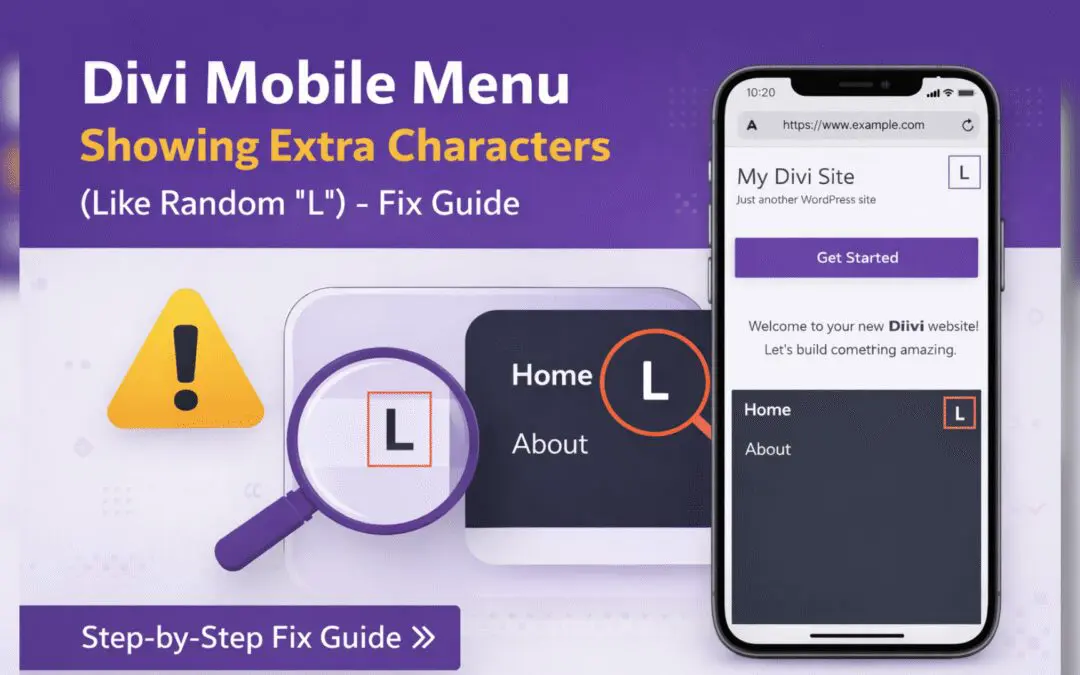
Divi Mobile Menu Showing Extra Characters or Symbols (Like Random “L”) – Fix Guide
If you are using the Divi theme on your WordPress website and notice extra characters or strange symbols (such as a random “L”, square boxes, or broken icons) appearing in the mobile menu, you are not alone. This is a common issue faced by many Divi users, especially...