
Design Trends and Strategies for Crafting Stunning WordPress Websites in 2024
Category: Web Design | Wordpress
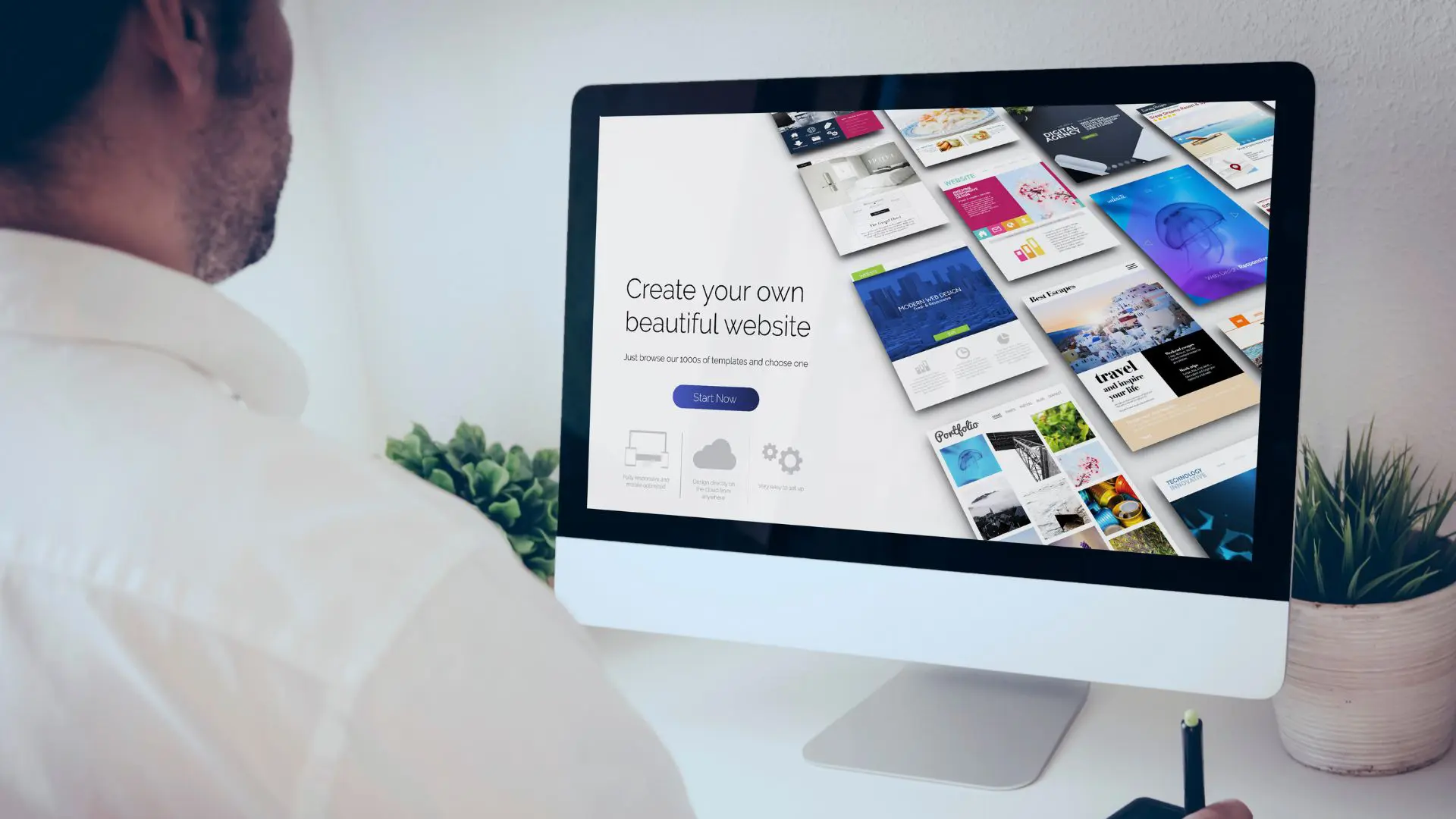
In the dynamic landscape of web design, staying abreast of the latest trends and techniques is crucial for creating visually appealing and user-friendly WordPress websites. As we embark on 2024, let’s explore the cutting-edge design trends and strategies shaping the WordPress ecosystem and discover how you can leverage them to craft stunning websites that captivate audiences and drive engagement.
Embracing Minimalism and Clean Design:
In 2024, minimalism continues to reign supreme in web design, with an emphasis on clean layouts, ample white space, and crisp typography. Adopting minimalist principles not only enhances visual appeal but also improves user experience by reducing clutter and distractions. Consider:
- Streamlined navigation menus and simplified user interfaces.
- Opting for minimalist themes and templates that prioritize simplicity and elegance.
- Incorporating generous white space to create a sense of balance and harmony.
Dynamic and Interactive Elements:
Interactive elements add depth and engagement to WordPress websites, elevating the user experience and fostering interactivity. In 2024, consider integrating:
- Micro-interactions such as animated buttons, hover effects, and scroll-triggered animations to captivate and delight users.
- Parallax scrolling effects to create a sense of depth and movement, enhancing visual storytelling.
- Interactive multimedia content like videos, sliders, and galleries to convey information in engaging and immersive ways.
Personalization and User-Centric Design:
Tailoring the user experience to individual preferences and behaviors is paramount in 2024, with a focus on personalized content and intuitive interfaces. Explore:
- Dynamic content modules and personalized recommendations based on user interactions and browsing history.
- User-centric design principles such as user testing, feedback loops, and iterative design to ensure websites meet the needs and expectations of their target audience.
- Accessibility features and inclusive design practices to accommodate users of all abilities and ensure a seamless experience for everyone.
Bold Colors and Vibrant Visuals:
2024 heralds the resurgence of bold colors and vibrant visuals in web design, injecting energy and personality into WordPress websites. Experiment with:
- Vibrant color palettes and bold color contrasts to create memorable visual identities and evoke emotional responses.
- Illustrations, custom graphics, and iconography to add personality and convey brand messaging in a visually compelling manner.
- High-resolution imagery and immersive multimedia content to capture attention and convey brand narratives effectively.
Mobile-First Design and Responsive Layouts:
With mobile devices continuing to dominate web traffic, prioritizing mobile-first design and responsive layouts is imperative in 2024. Ensure:
- Seamless user experiences across devices, with responsive layouts that adapt gracefully to various screen sizes and resolutions.
- Mobile-friendly navigation patterns and touch-friendly interactions to facilitate intuitive browsing and navigation on smartphones and tablets.
- Performance optimization and fast loading times to enhance mobile usability and ensure optimal user experiences on-the-go.
Conclusion:
As we venture into 2024, the landscape of WordPress web design is characterized by a harmonious blend of minimalist aesthetics, dynamic interactions, personalized experiences, vibrant visuals, and mobile-first principles. By embracing these design trends and strategies, you can create WordPress websites that not only captivate audiences but also deliver exceptional user experiences that resonate with users and drive tangible results for your business or brand. Stay inspired, stay innovative, and let your creativity soar as you embark on your design journey in the exciting world of WordPress in 2024.
Contact us to get more information about it.
Search blogs
Other Blogs
Elementor Not Saving Changes? Step-by-Step Solution
When you are building a page in Elementor and suddenly your changes refuse to save, it can feel extremely frustrating. You click the Update button, the loader spins, and then either nothing happens or an error message appears. Sometimes it even looks like the page...
How to Fix “There Has Been a Critical Error on This Website” in WordPress
If you are running a WordPress website and suddenly see the message “There has been a critical error on this website”, don’t panic. This error looks serious, but in most cases, it can be fixed easily. This message appears when something on your website stops working...
Divi 5 Is Finally Here — A Deep Dive Into the New Interface, Speed, Features & What’s Changed
After years of development and community feedback, Divi 5 has officially launched. But this isn’t just another update to the popular Divi by Elegant Themes — it is a complete architectural transformation. If you’ve explored a Divi 5 demo, you’ll immediately notice how...
How to Fix reCAPTCHA Not Working in WordPress
reCAPTCHA is an essential security feature that protects WordPress websites from spam, bots, and fake form submissions. However, many site owners face issues where reCAPTCHA does not display, fails validation, or blocks legitimate users from submitting forms. If...
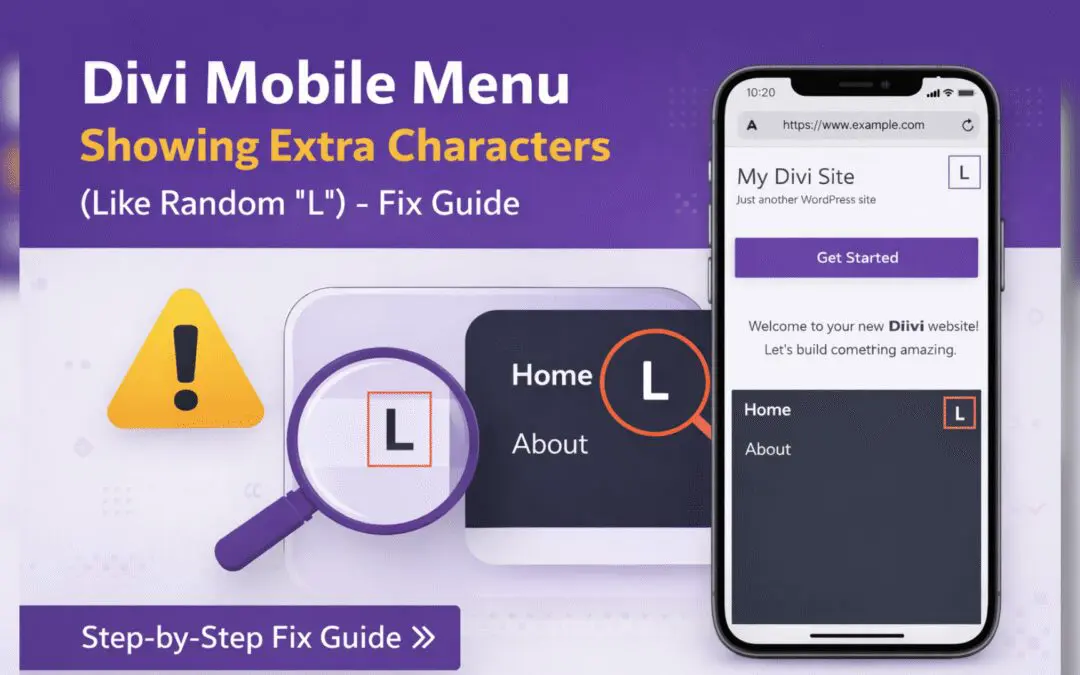
Divi Mobile Menu Showing Extra Characters or Symbols (Like Random “L”) – Fix Guide
If you are using the Divi theme on your WordPress website and notice extra characters or strange symbols (such as a random “L”, square boxes, or broken icons) appearing in the mobile menu, you are not alone. This is a common issue faced by many Divi users, especially...