Common SEO Mistakes That Hurt Your Website Rankings
Category: SEO
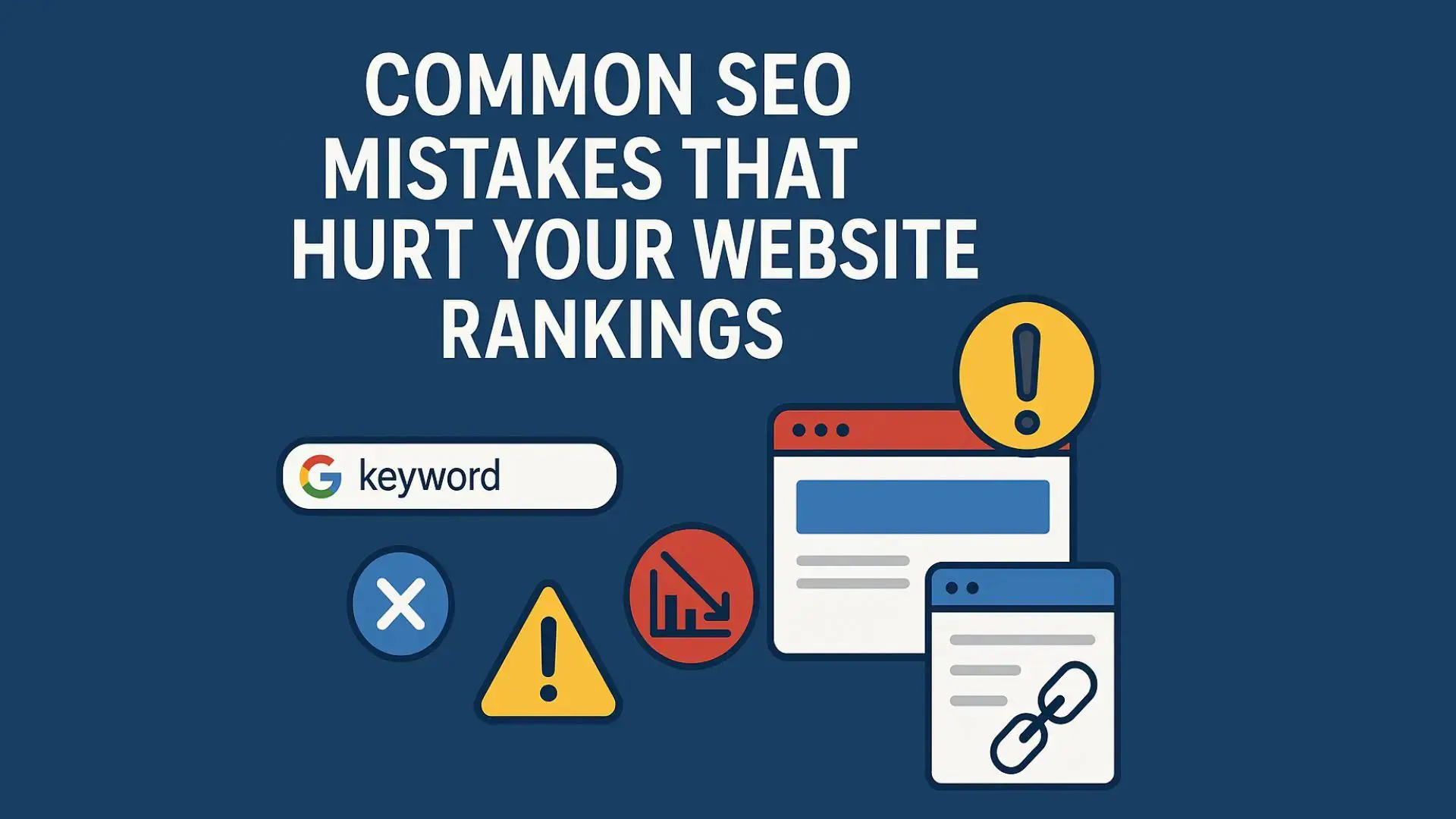
You’ve published great content, optimized your website, and waited for the rankings to roll in — but your traffic still isn’t growing. Sound familiar?
The truth is, many websites unknowingly make SEO mistakes that silently kill their visibility in Google search results.
In this guide, we’ll explore the most common SEO mistakes that hurt your rankings (and how to fix them fast).
1. Ignoring Keyword Research
Keyword research is the foundation of every successful SEO strategy.
Many beginners skip this step and create content blindly, hoping it ranks.
What happens:
You end up targeting high-competition or low-search-volume keywords that never bring traffic.
Fix it:
Use tools like Ahrefs, Semrush, Google Keyword Planner, or Ubersuggest to find:
- Keywords with moderate competition
- High search intent relevant to your audience
- Related long-tail keywords
Then, build content clusters around them.
2. Keyword Stuffing
Gone are the days when repeating a keyword 20 times could help you rank.
Today, Google’s algorithms are smarter and can detect unnatural keyword use.
What happens:
Overusing keywords makes your content look spammy and lowers user experience — which can tank rankings.
Fix it:
Use your primary keyword naturally in:
- Title tag
- Meta description
- First paragraph
- One or two subheadings
Then, include LSI (Latent Semantic Indexing) and related terms naturally throughout your post.
3. Poor Internal Linking Structure
Internal links help search engines understand the structure and hierarchy of your website.
If your pages aren’t properly linked, Google might not crawl them efficiently.
What happens:
Some pages stay hidden, reducing their chances of ranking.
Fix it:
Use your primary keyword naturally in:
- Link relevant articles together using descriptive anchor text
- Create a content cluster structure with a main pillar page
- Check for broken internal links regularly
Tools like Screaming Frog or Ahrefs Site Audit can help spot internal linking issues.
4. Not Optimizing for Mobile
Over 60% of searches come from mobile devices, and Google uses mobile-first indexing.
What happens:
If your site isn’t mobile-friendly, Google may lower your rankings — even if your desktop version looks perfect.
Fix it:
Use your primary keyword naturally in:
- Use responsive design
- Test your site using Google’s Mobile-Friendly Test
- Optimize images and reduce large elements that slow down mobile loading
5. Slow Page Speed
A slow website frustrates users and hurts SEO. Google treats page speed as a ranking factor for both desktop and mobile.
What happens:
Visitors leave before your page loads, increasing your bounce rate.
Fix it:
Use your primary keyword naturally in:
- Use Google PageSpeed Insights to find bottlenecks
- Compress images with tools like TinyPNG
- Enable browser caching and lazy loading
- Use a fast WordPress hosting provider
6. Missing or Poor Meta Tags
Your title tag and meta description are what users see first in search results.
Missing or poorly written meta tags hurt your click-through rate (CTR).
Fix it:
- Keep title tags under 60 characters
- Write meta descriptions under 160 characters
- Include your target keyword naturally
- Make it engaging — think of it as an ad for your content
Example:
Meta Title: Common SEO Mistakes That Hurt Your Website Rankings
Meta Description: Avoid these 10 common SEO mistakes that lower your rankings. Learn how to fix them and boost your website’s visibility in Google.
7. Ignoring Search Intent
Search intent tells you why someone is searching a keyword.
If your content doesn’t match the user’s intent, it won’t rank — no matter how optimized it is.
Fix it:
Before writing, search your keyword in Google and analyze the top results.
Are they:
- Informational (guides, blogs)?
- Transactional (product pages)?
- Navigational (brand-specific)?
Match your content type to what users — and Google — expect.
8. Neglecting Backlinks
Backlinks remain one of the strongest ranking factors.
If your website lacks high-quality backlinks, it will struggle to rank — even with great content.
Fix it:
- Create link-worthy content (original research, guides, infographics)
- Reach out for guest posts on reputable sites
- Use tools like Ahrefs to analyze competitors’ backlinks
Avoid spammy or paid backlinks — they can get you penalized.
9. Ignoring Technical SEO
Technical issues often go unnoticed but can drastically hurt rankings.
Common problems:
- Broken links
- Duplicate content
- Missing XML sitemap
- No HTTPS/SSL
- Poor URL structure
Fix it:
Run a technical SEO audit regularly using tools like Screaming Frog, Sitebulb, or Google Search Console.
10. Not Updating Old Content
Outdated content can lose rankings over time as new competitors publish fresh information.
Fix it:
- Revisit old posts every 6 months
- Update stats, screenshots, and links
- Add new insights or FAQs
- Re-submit the updated URL to Google Search Console
Refreshing old content often boosts traffic without writing new posts from scratch.
Conclusion:
SEO isn’t just about doing the right things — it’s also about avoiding costly mistakes.
By fixing these common SEO issues, you can significantly improve your rankings, user experience, and organic traffic.
Remember:
SEO is a continuous process. Regularly audit your website, update your content, and focus on delivering genuine value to your readers — that’s the true key to long-term success.
Search blogs
Other Blogs
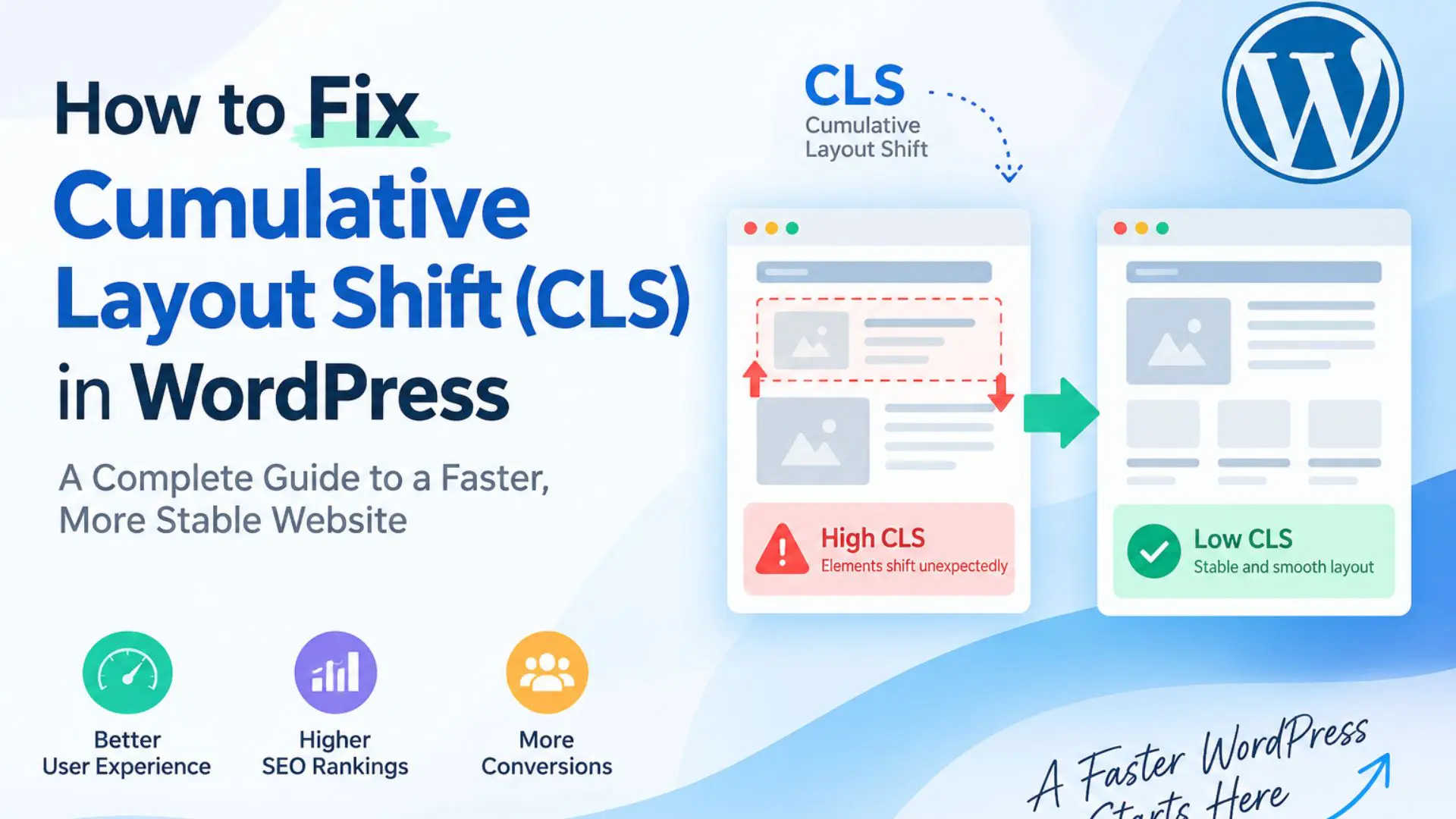
How to Fix Cumulative Layout Shift (CLS) in WordPress

Elementor Not Saving Changes? Step-by-Step Solution
How to Fix “There Has Been a Critical Error on This Website” in WordPress

Divi 5 Is Finally Here — A Deep Dive Into the New Interface, Speed, Features & What’s Changed